Steampunk UI design style
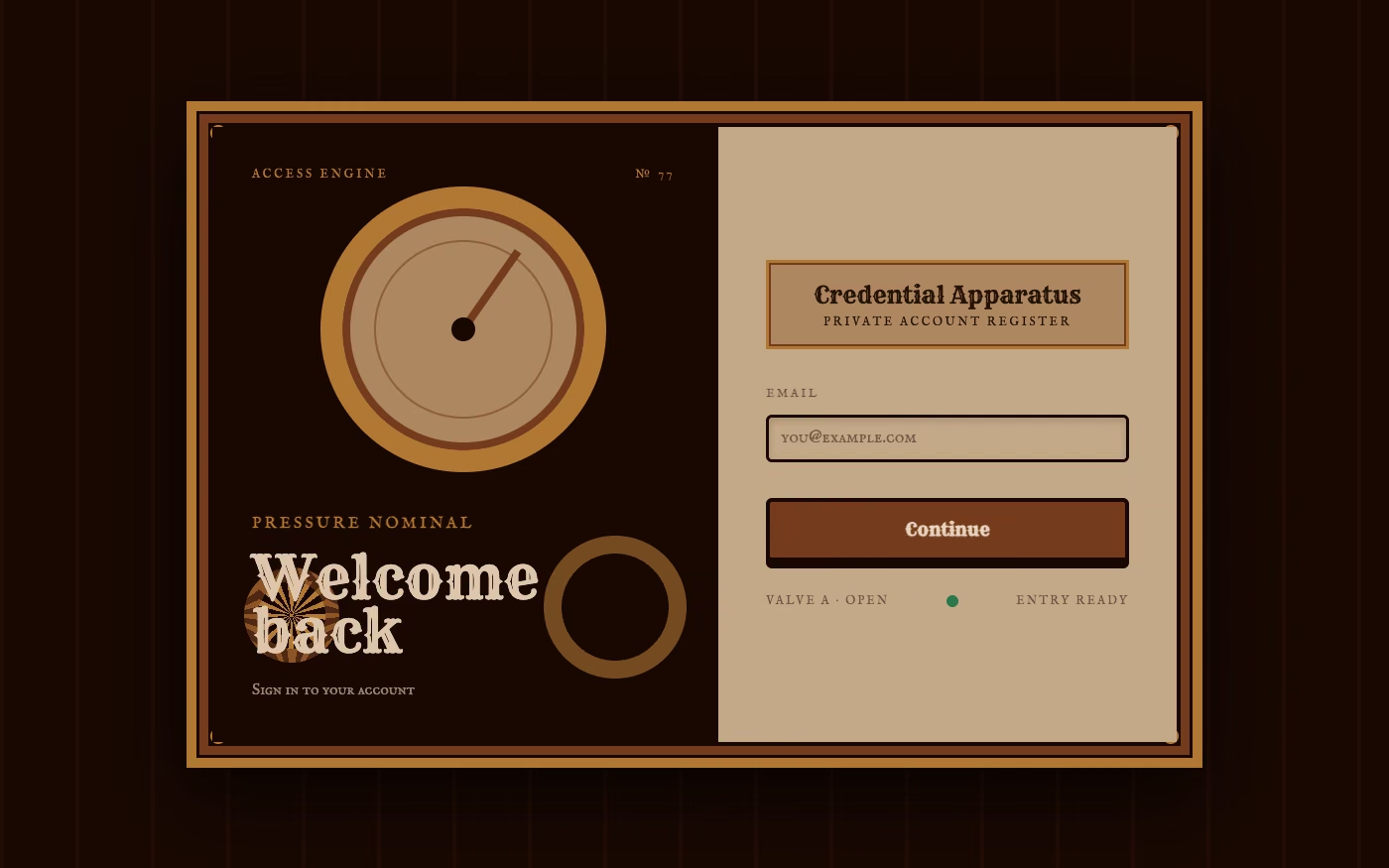
A hyper-skeuomorphic Victorian machine aesthetic turns the interface into a worn, theatrical artifact built from brass, iron, leather, parchment, glass, and enamel.
Design overview
- Signature elements
- mechanical frames, exposed gears and pipes, rivets and hinges, gauges, heavy mounted controls, layered materials, deep bevels, engraved ornament, aged patina. In daisyUI themes, set `--noise: 1;` and `--depth: 1;`.
- Best suited to
- Games, events, entertainment, museums, themed commerce, and narrative experiences.
- Layout principles
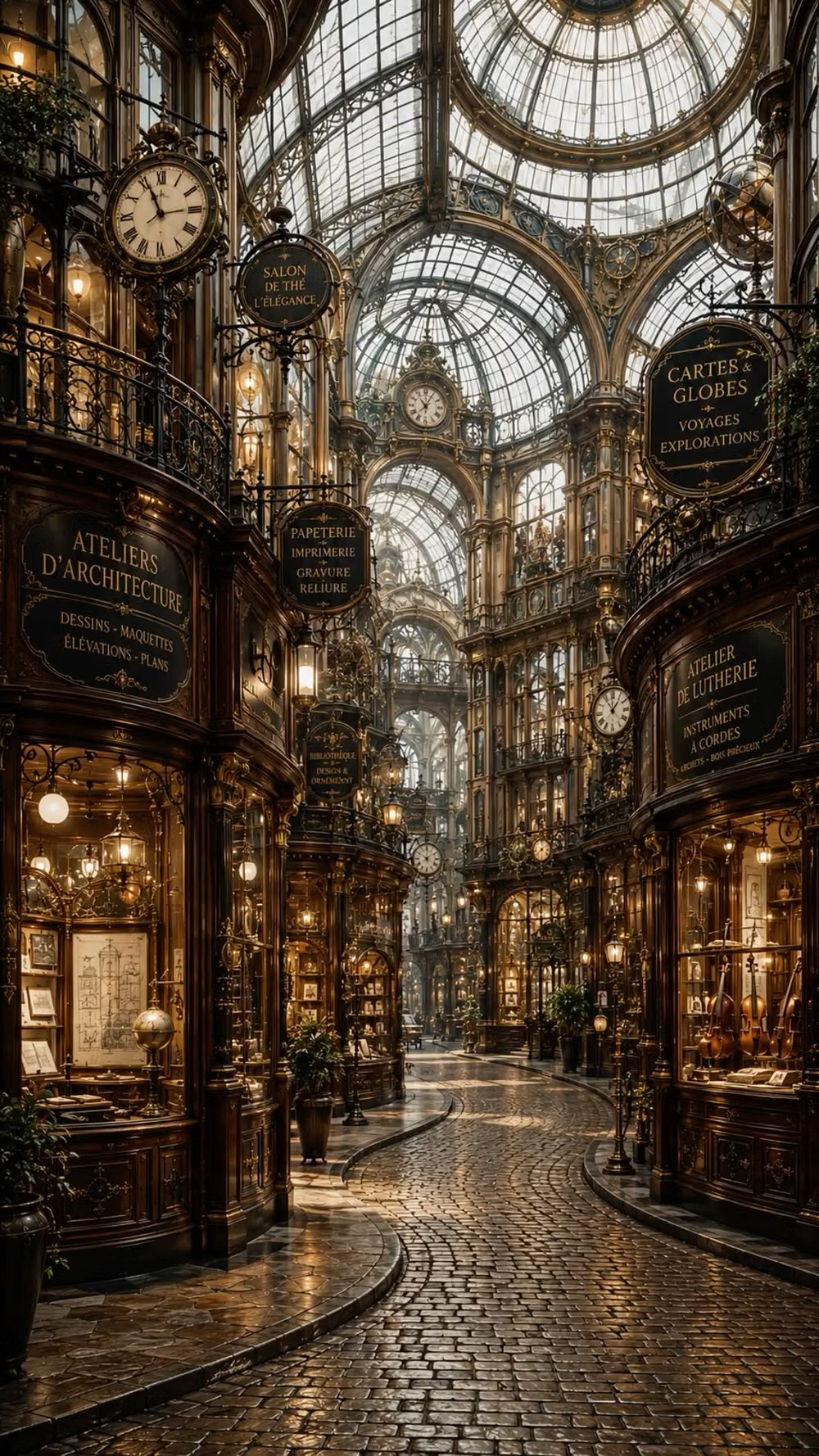
- Construct the whole interface as a diegetic engine, inventor's cabinet, control panel, mechanical book, or discovered artifact; nest navigation, ledgers, gauges, and mechanisms inside layered frames, treating each edge, hinge, fastener, and junction as part of the machine.
History and origins
A fact-checked account of where this visual language came from, with links to the references used.
- Period
- Literary precedents in the 1960s–1970s; term coined in 1987
- Origin
- Anglophone speculative fiction, later fashion, art, games, and maker culture
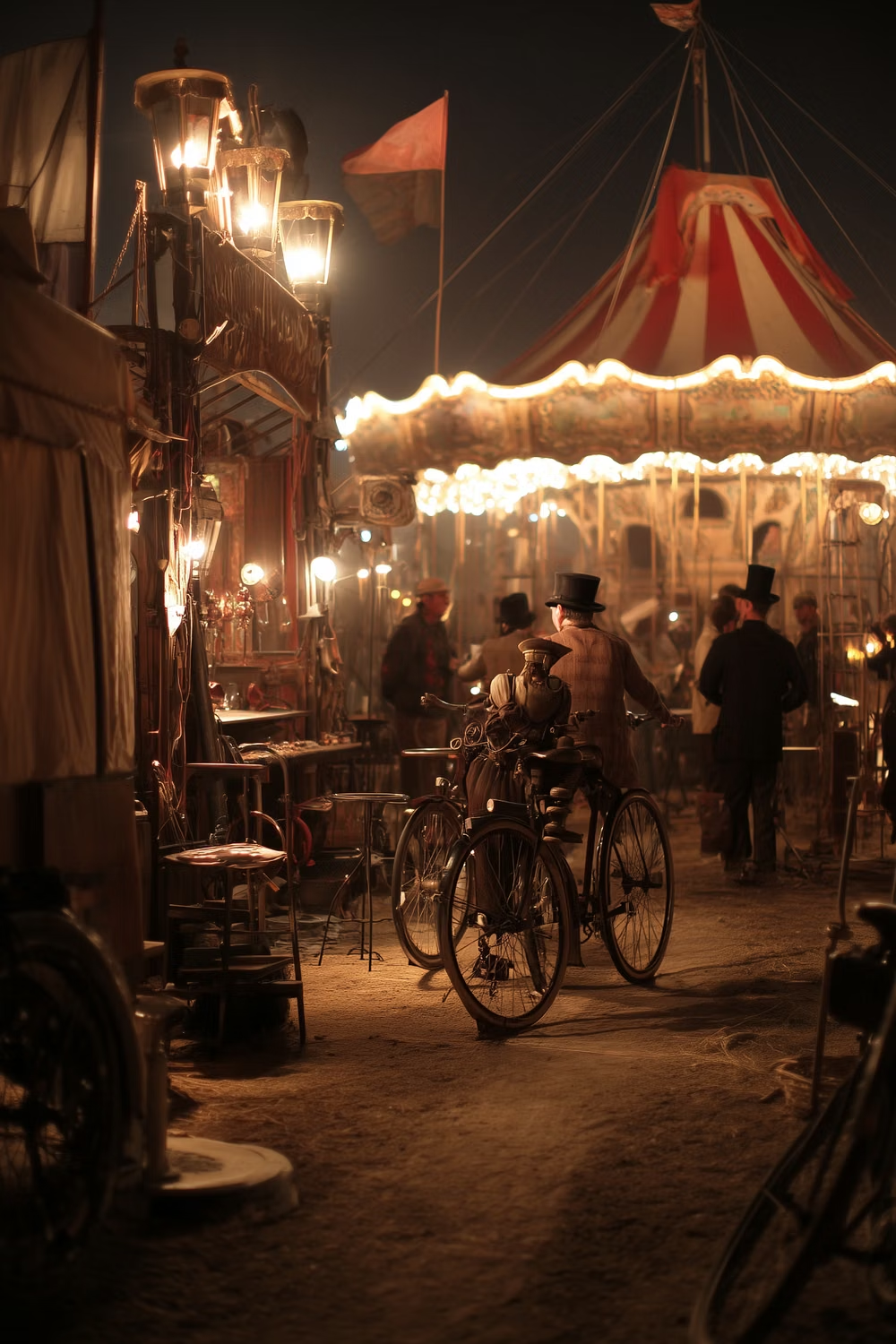
Steampunk imagines advanced technologies through a 19th-century industrial vocabulary. Writer K. W. Jeter coined the term in a 1987 letter to Locus as a playful counterpart to cyberpunk, grouping his work with fiction by Tim Powers and James Blaylock; it was later applied backward to earlier novels and expanded into a visual subculture.
Moodboard and visual references
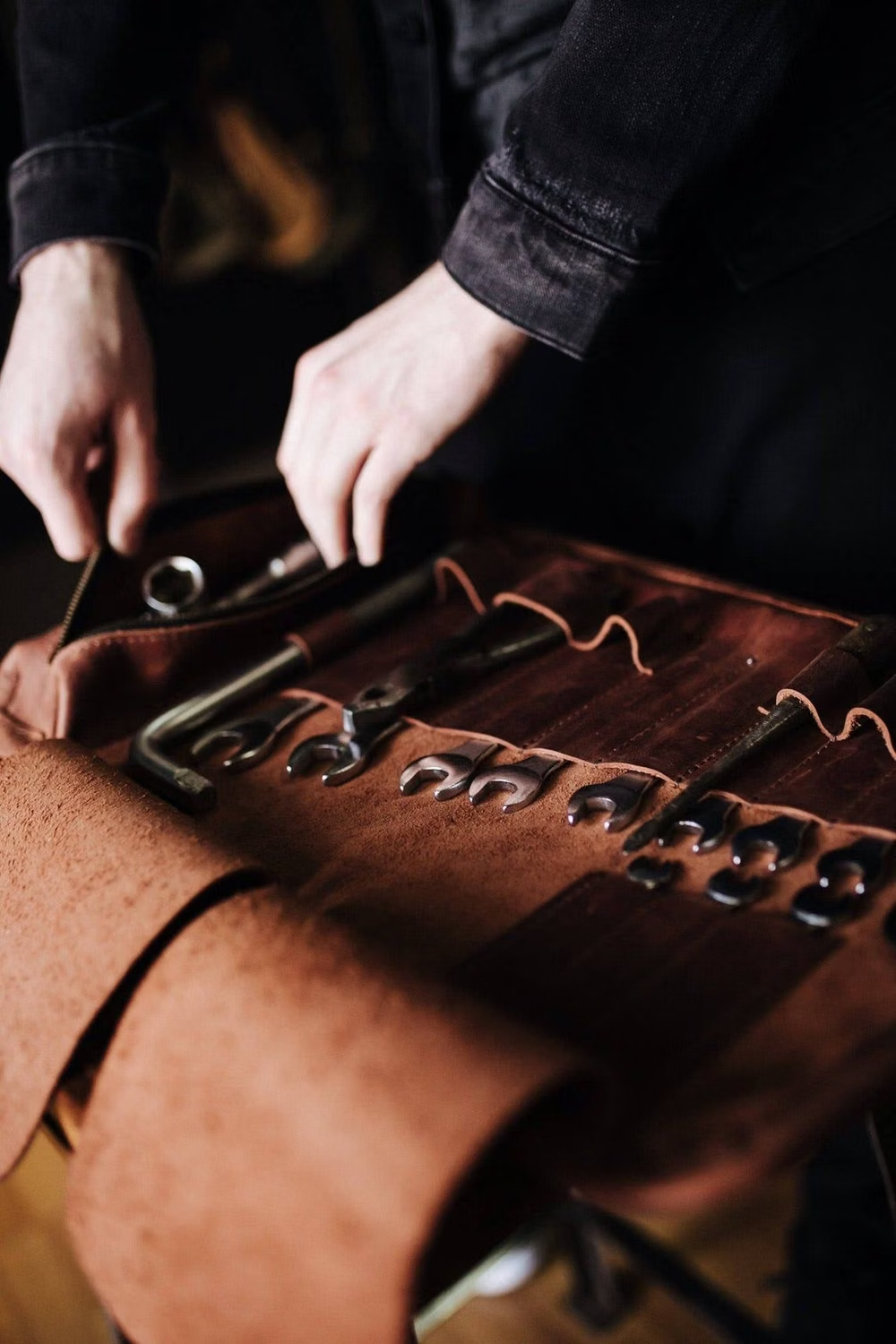
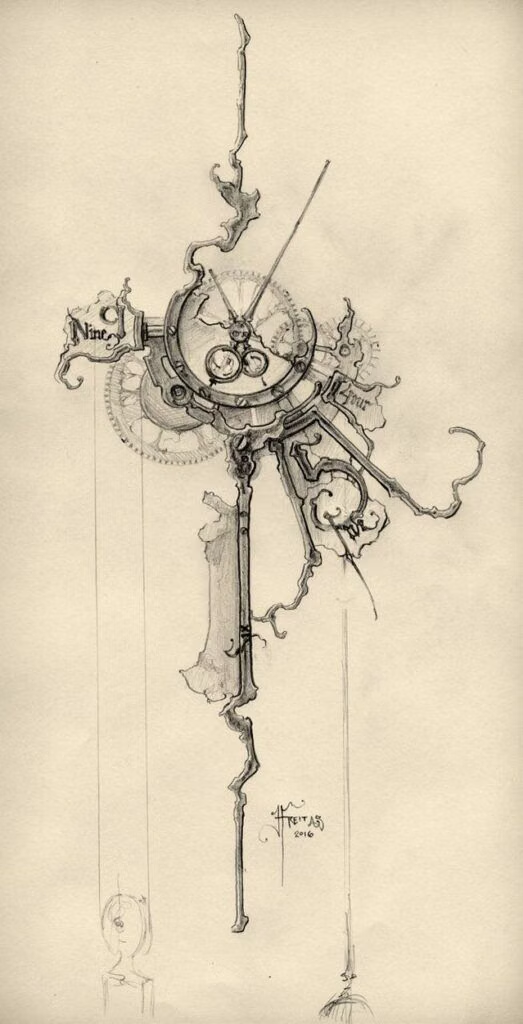
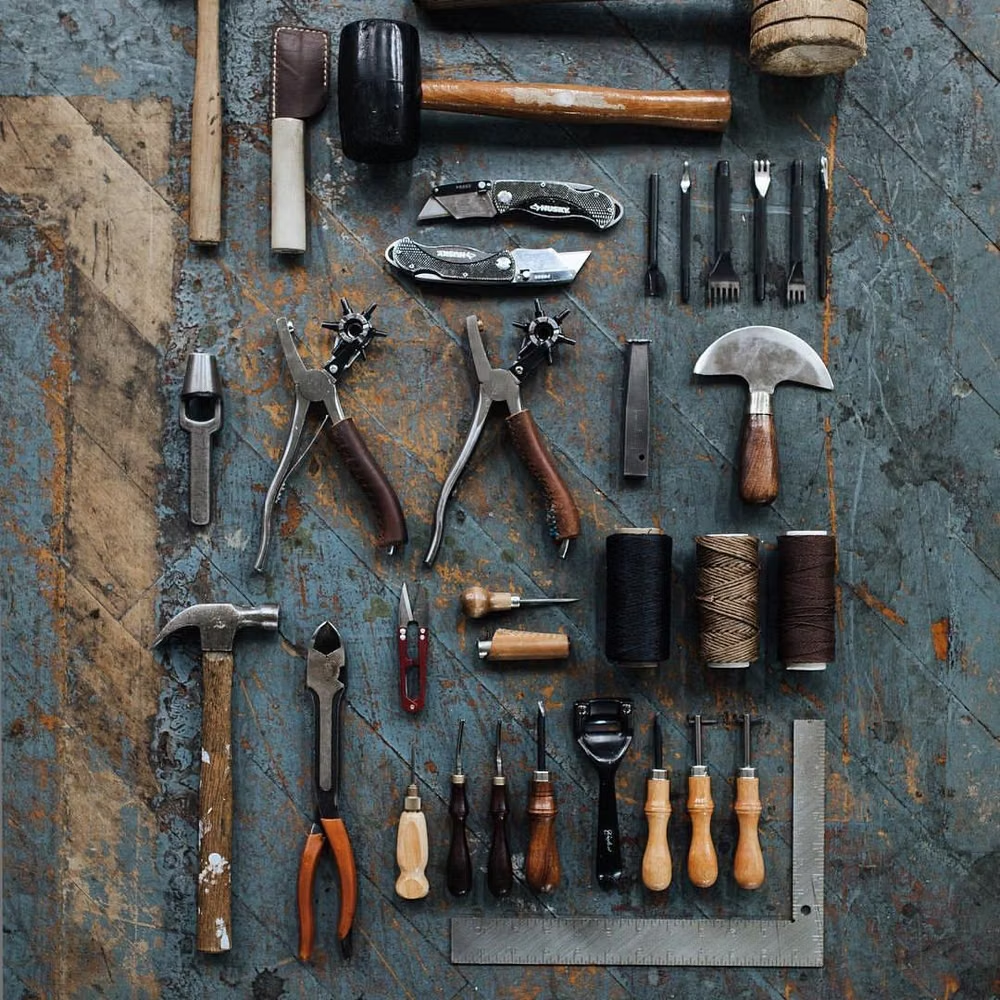
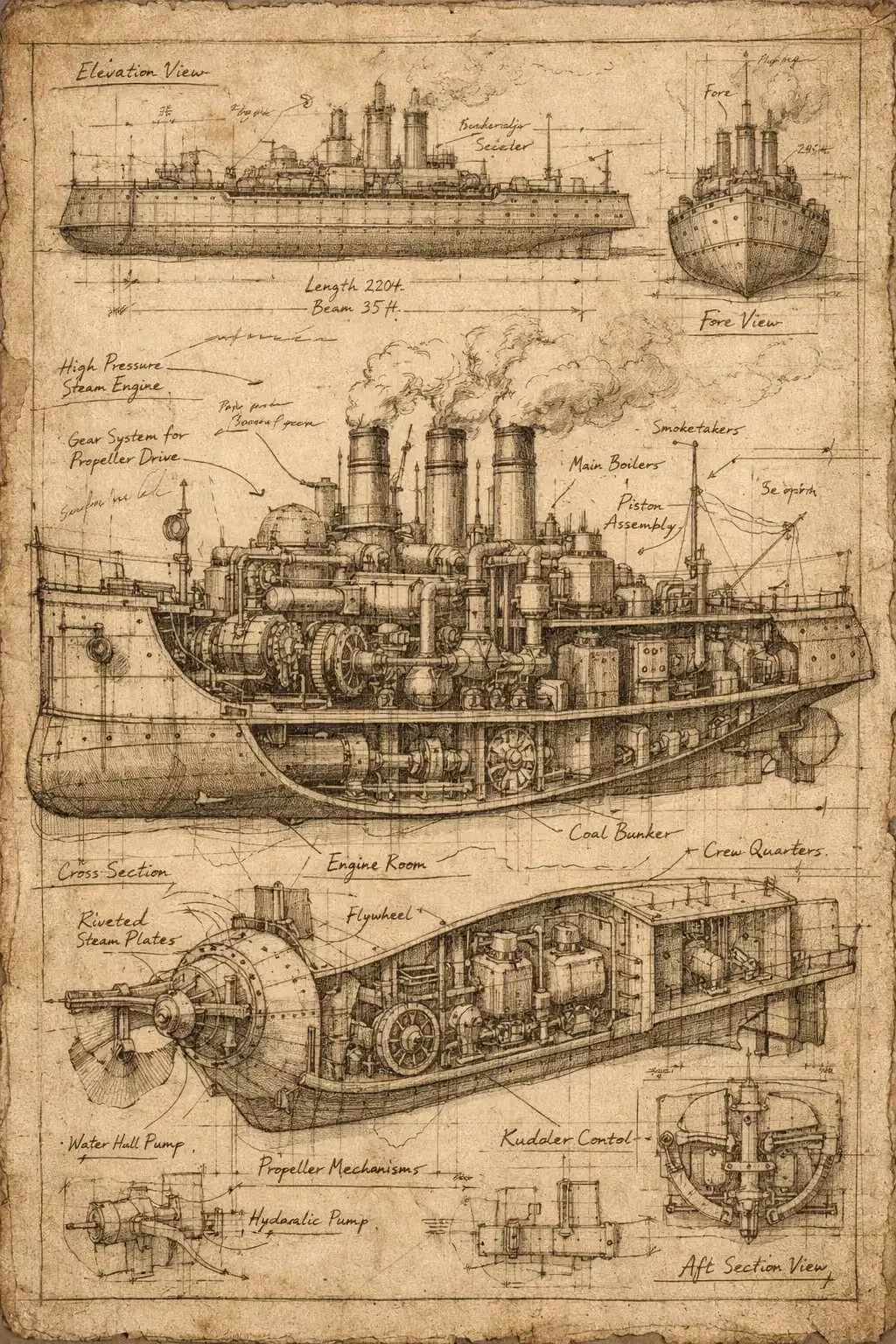
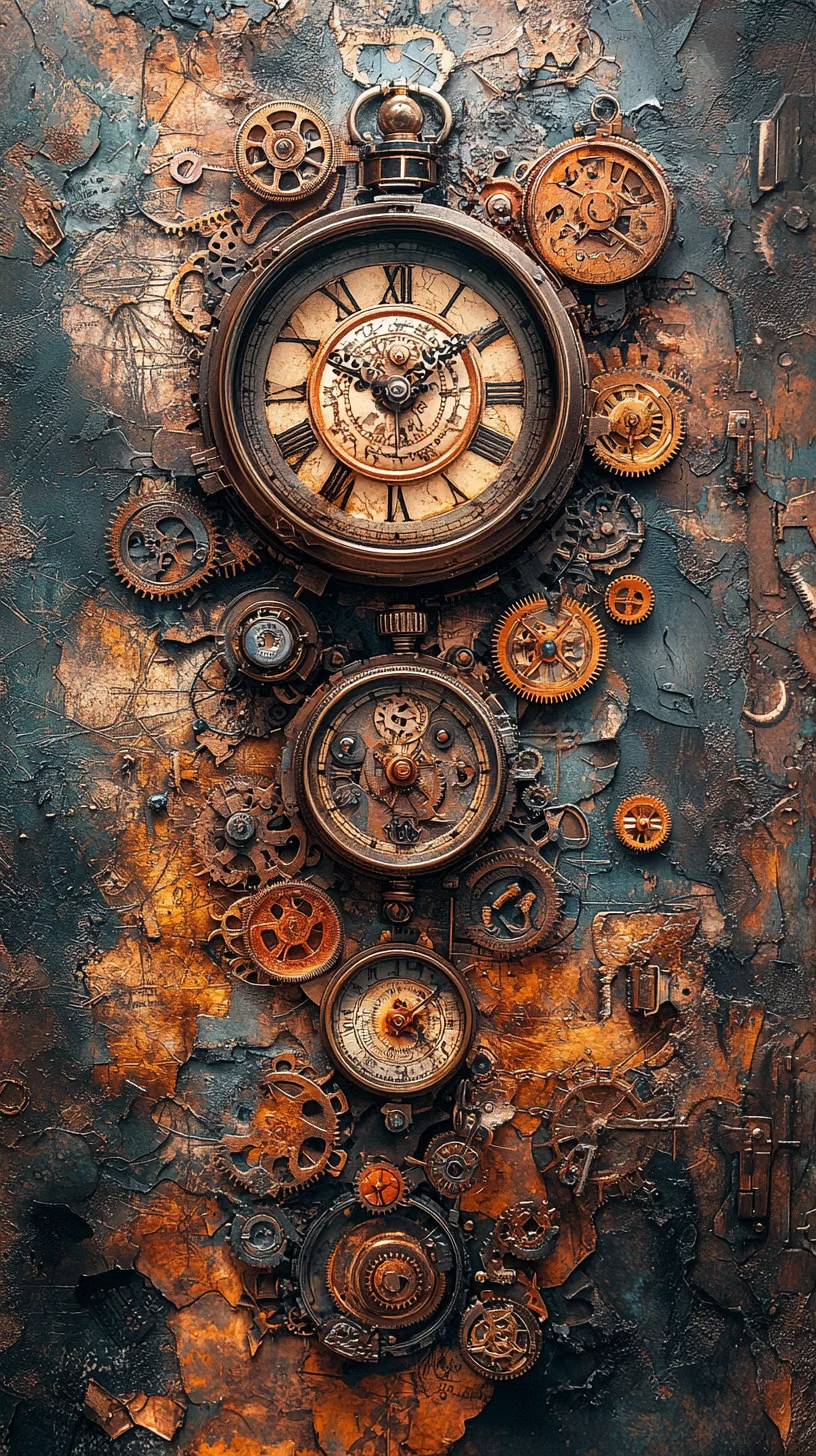
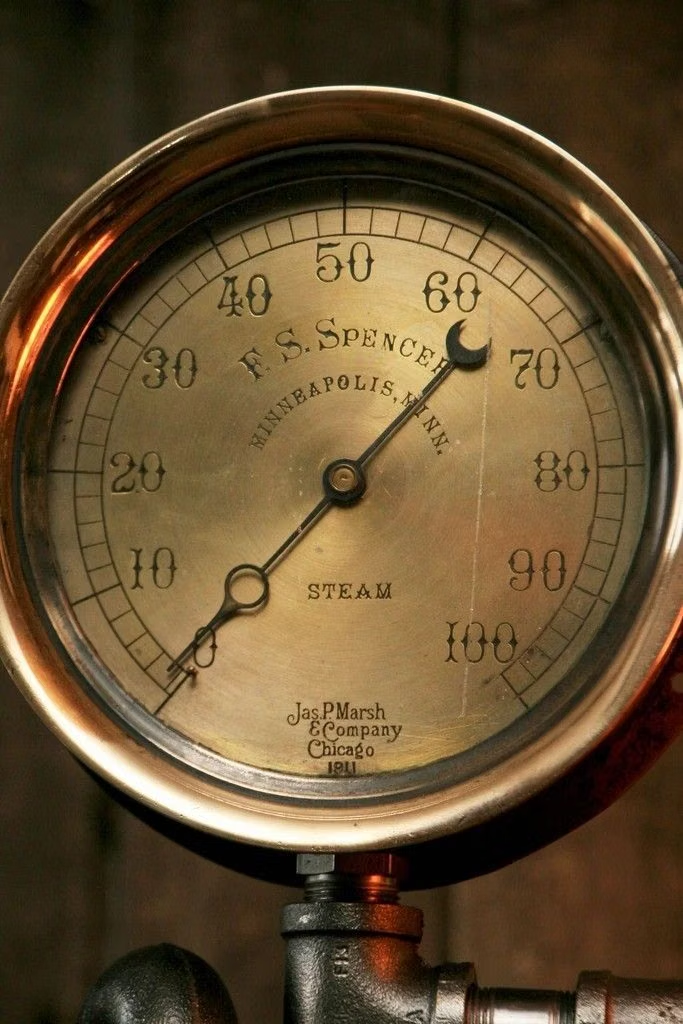
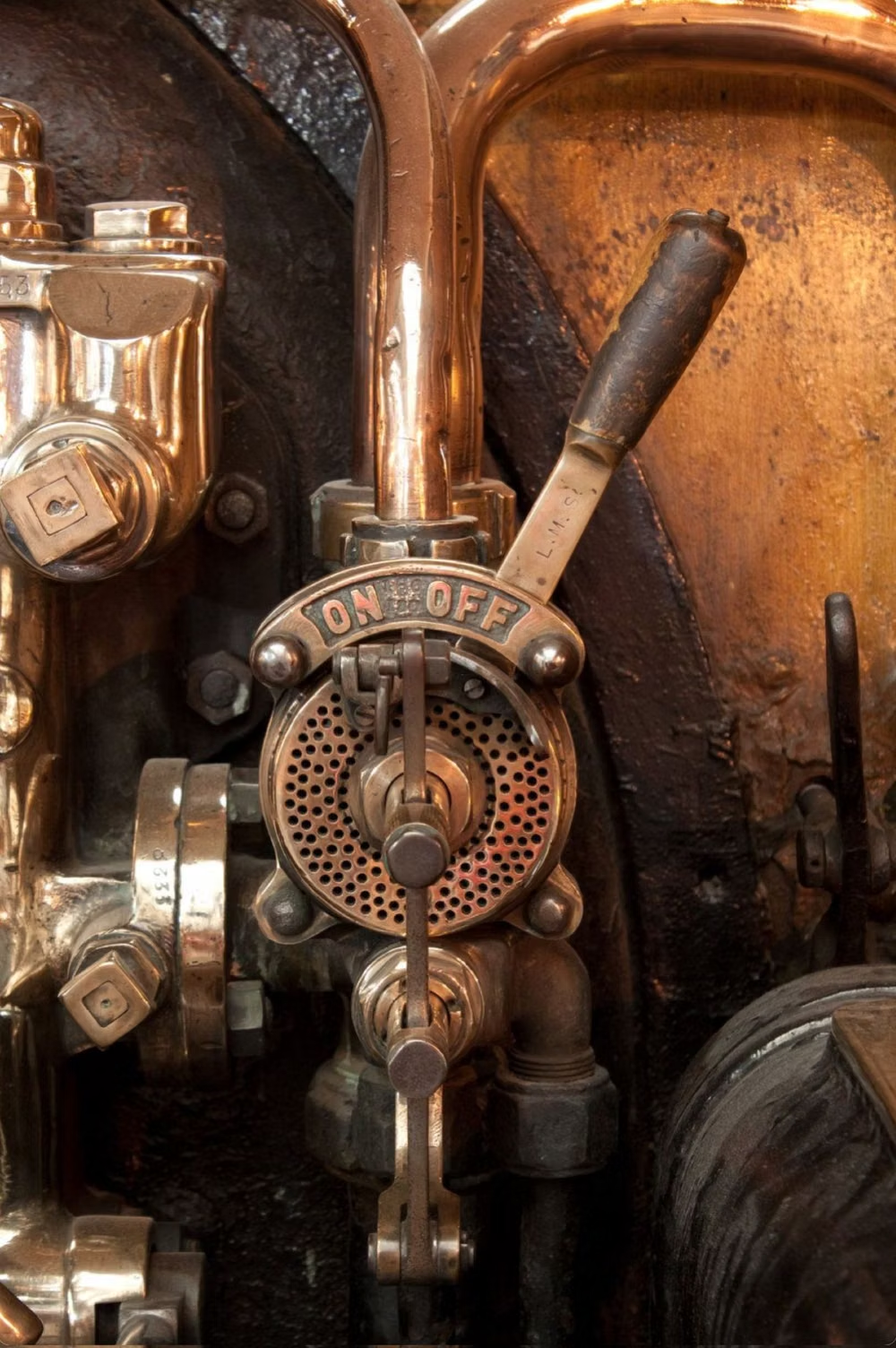
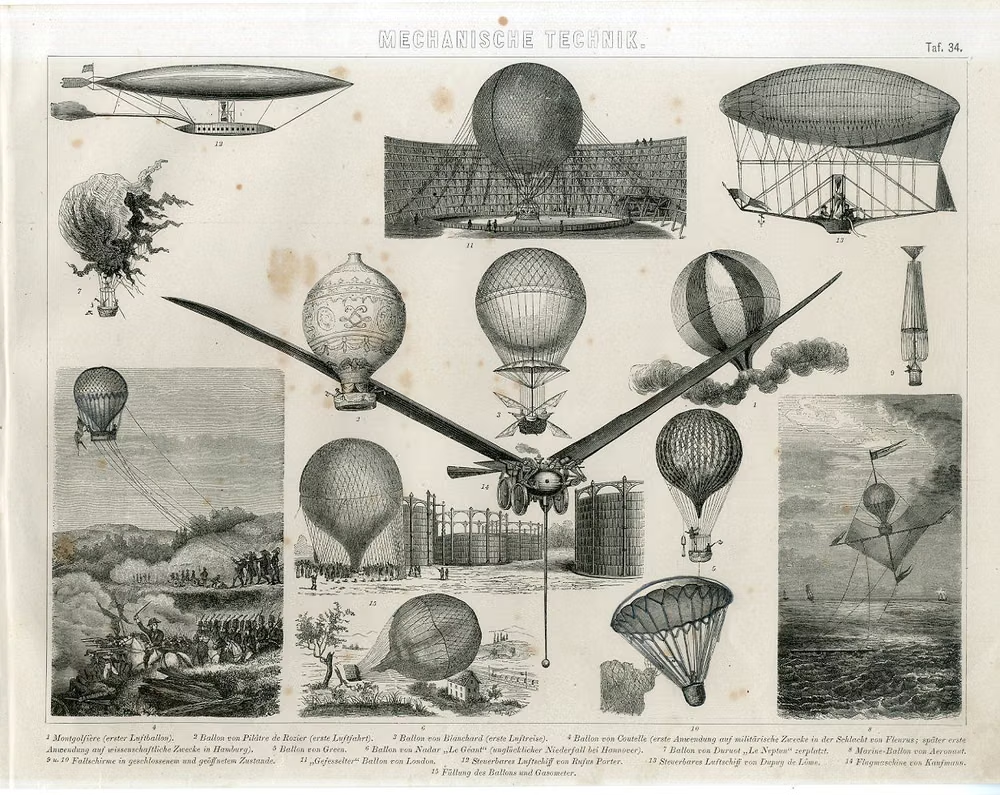
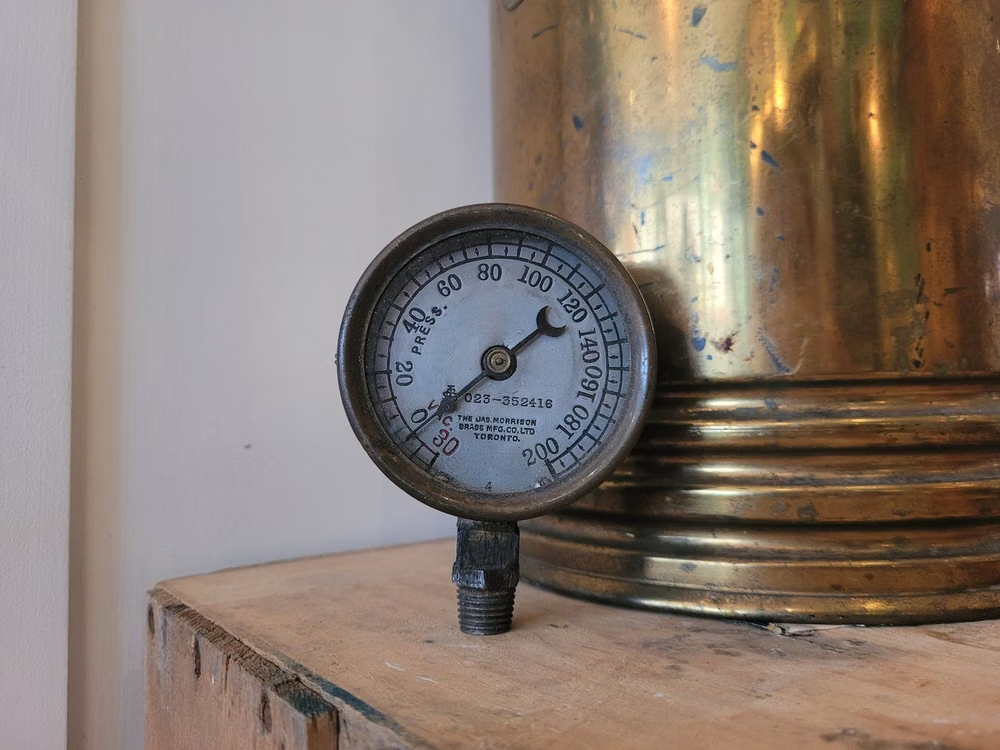
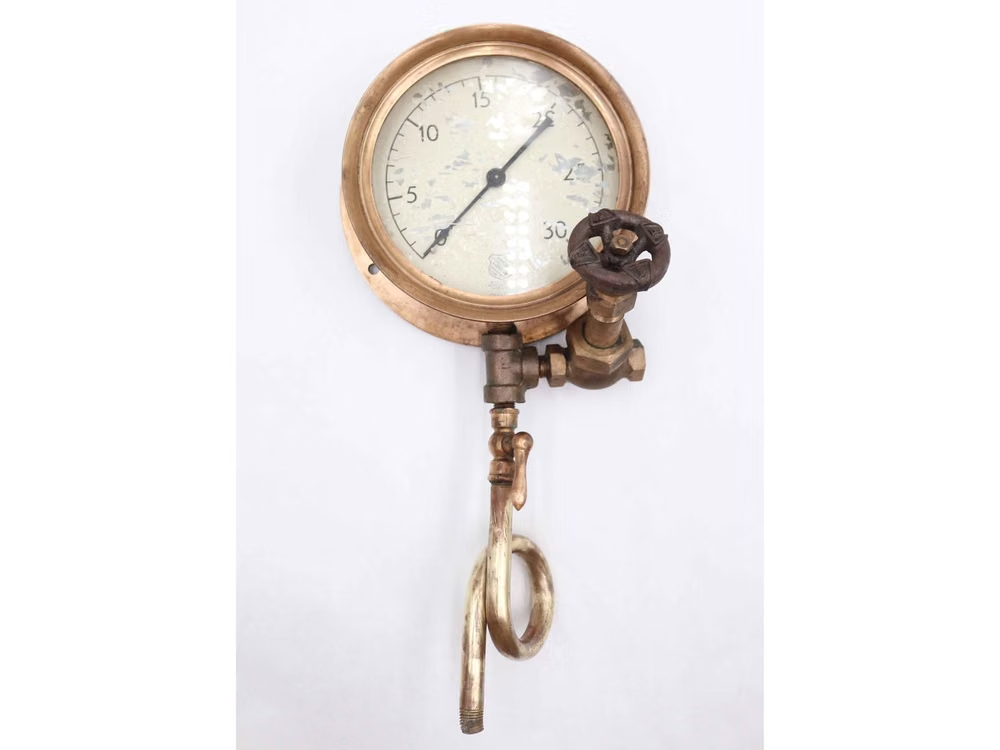
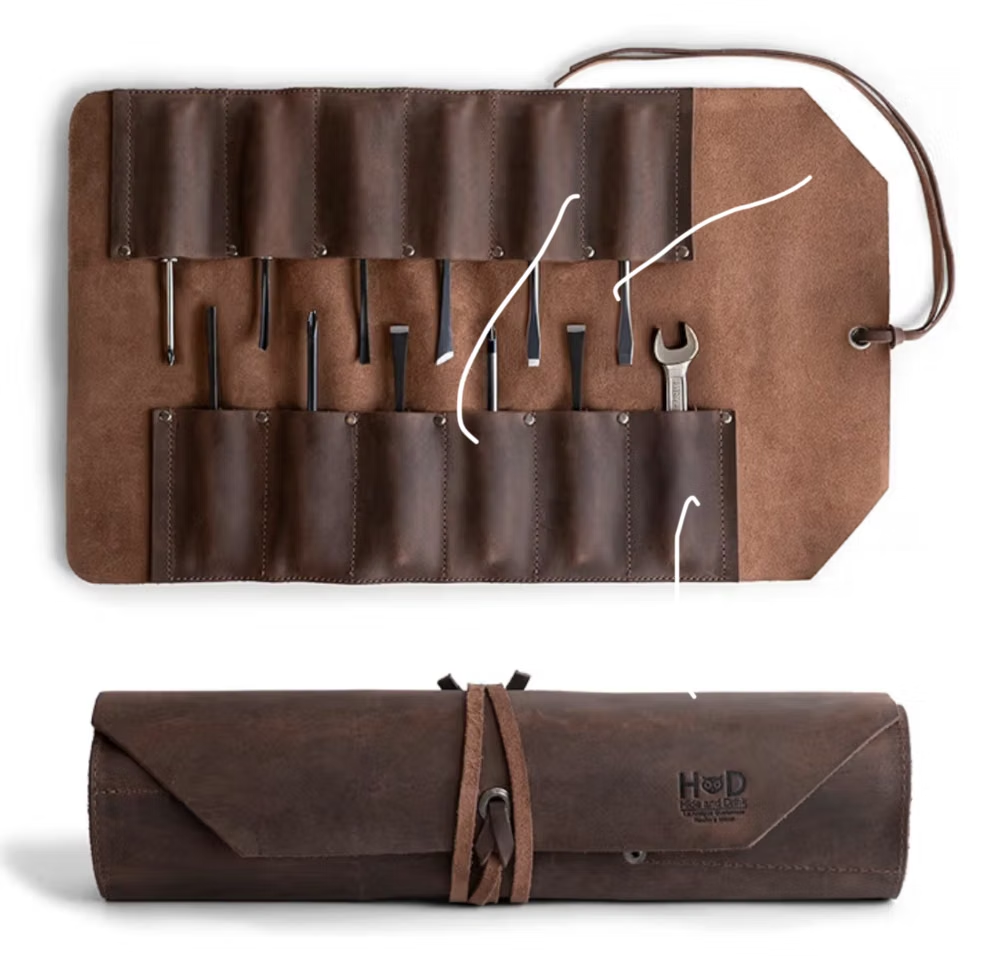
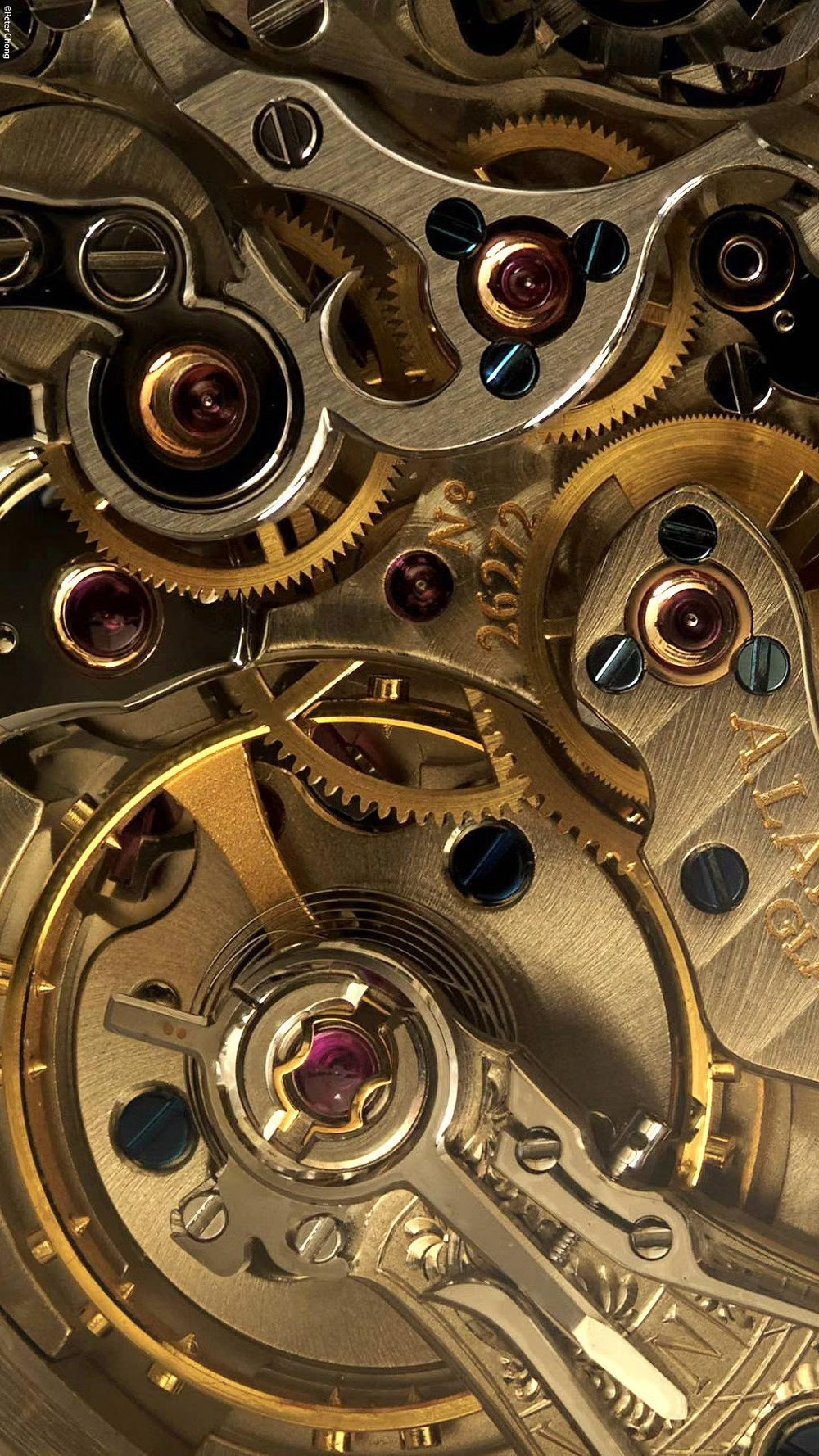
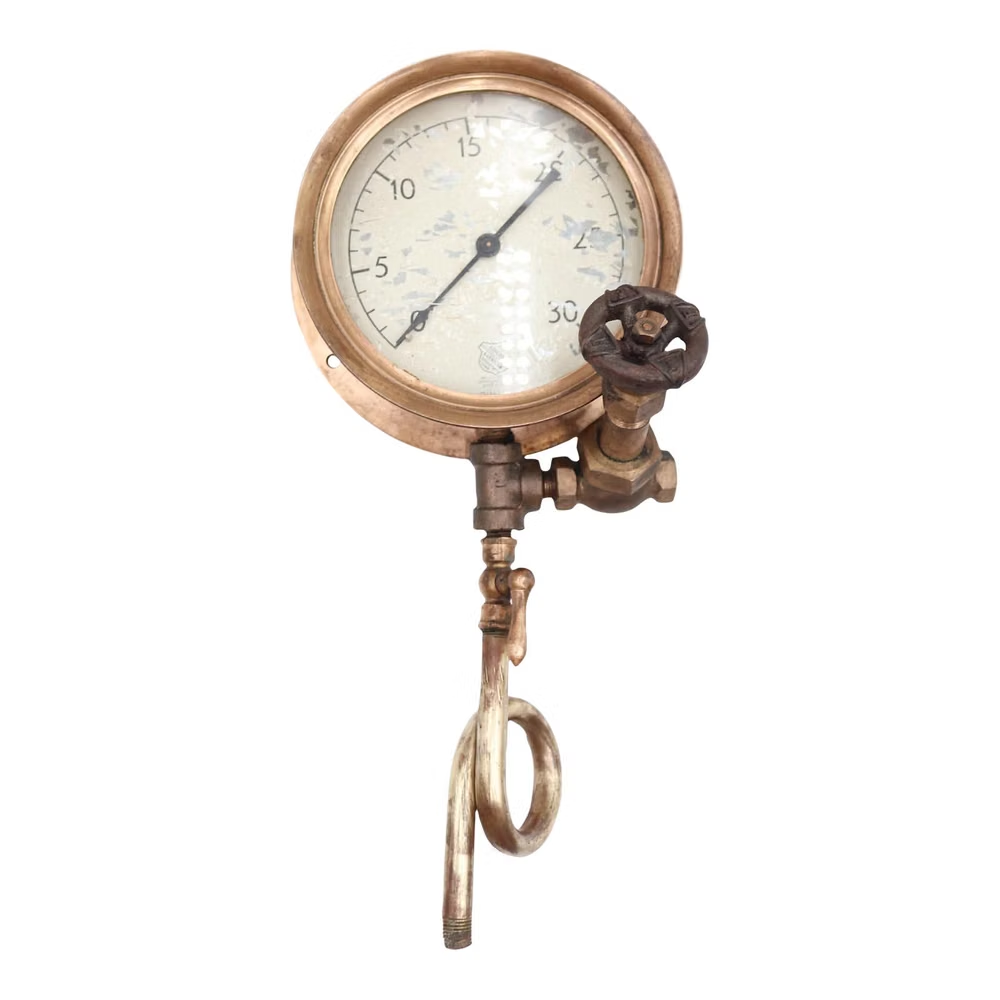
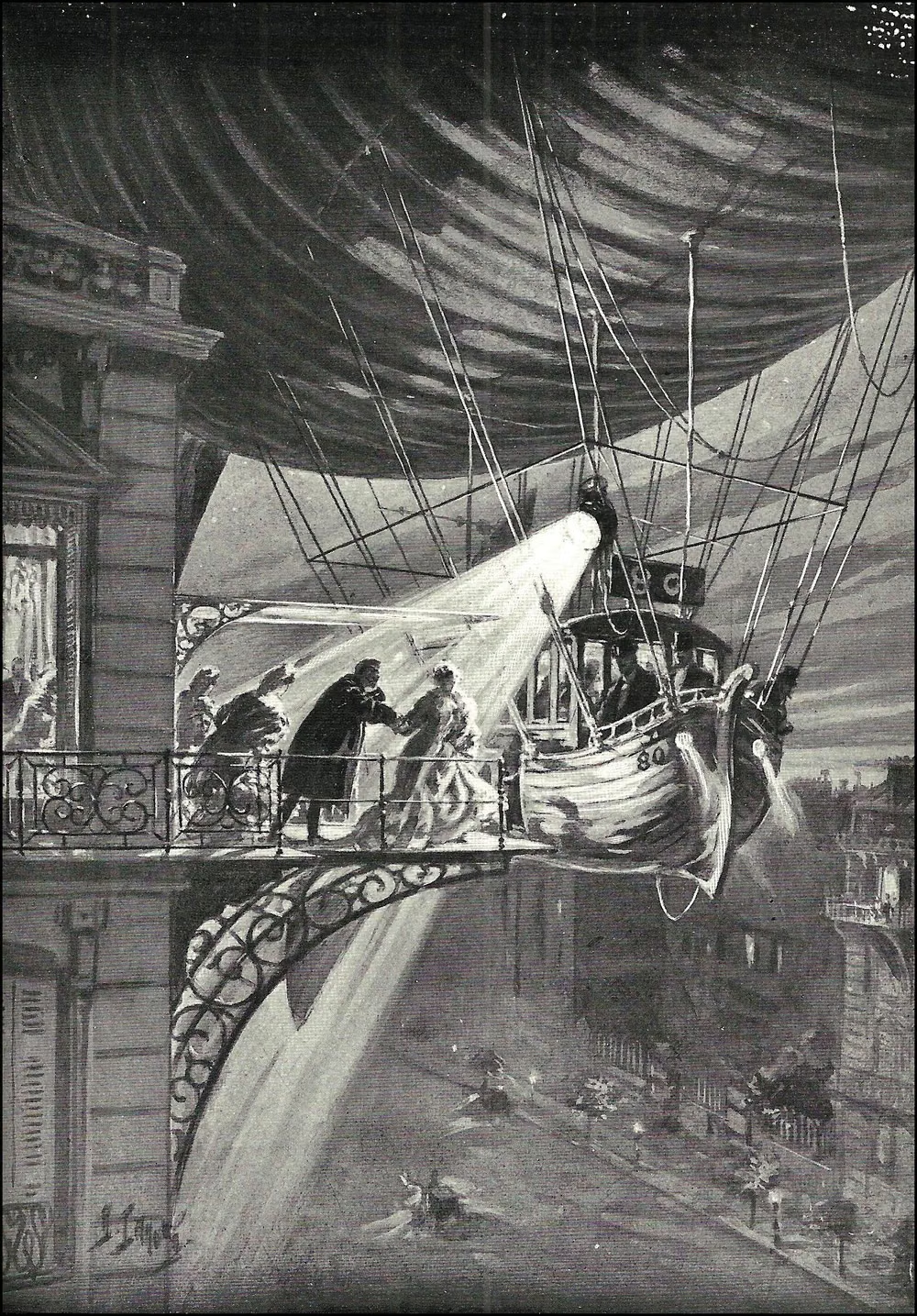
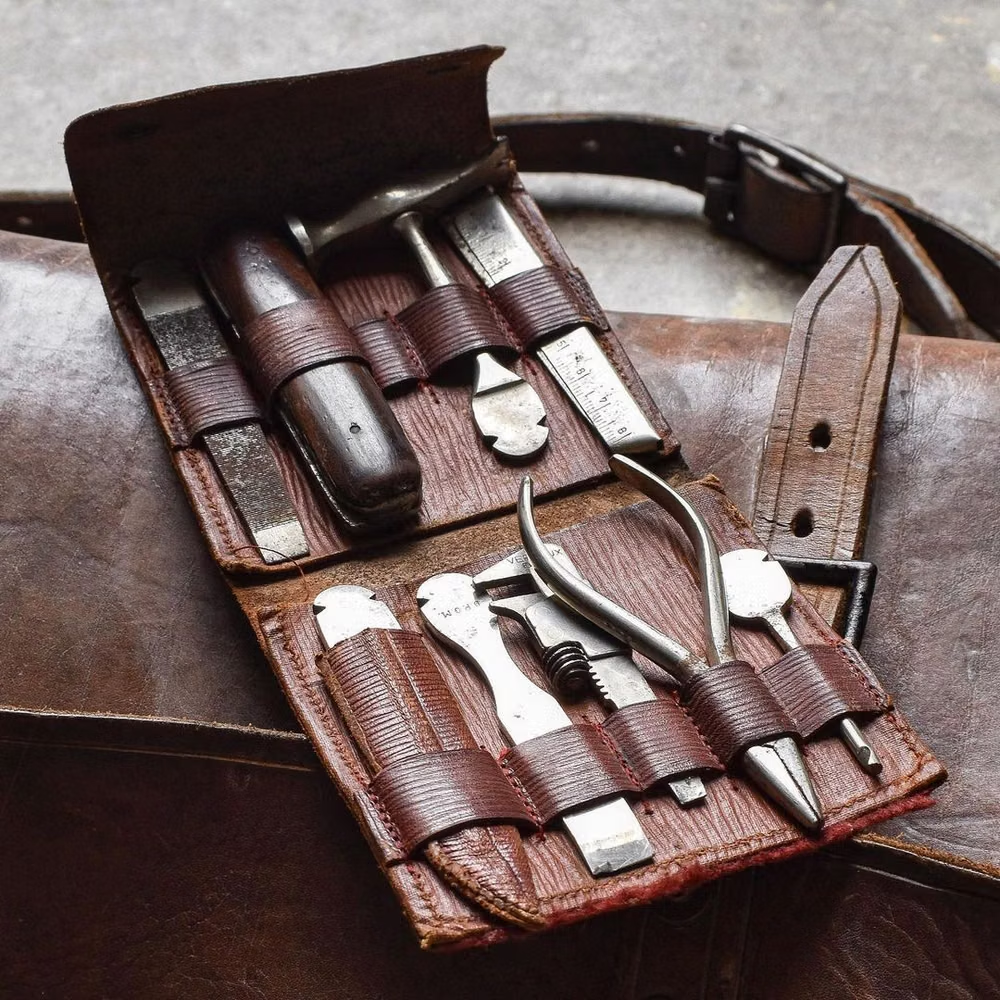
A visual study of the forms, inspirations, materials, colors, type, and cultural references associated with this UI design style.

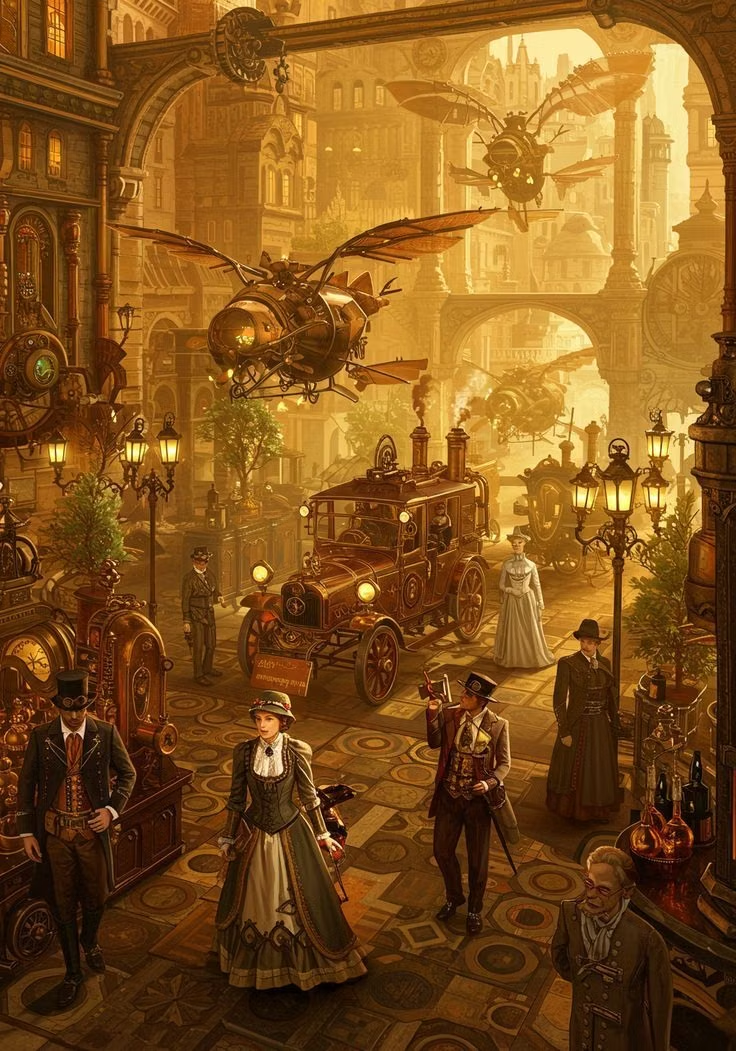


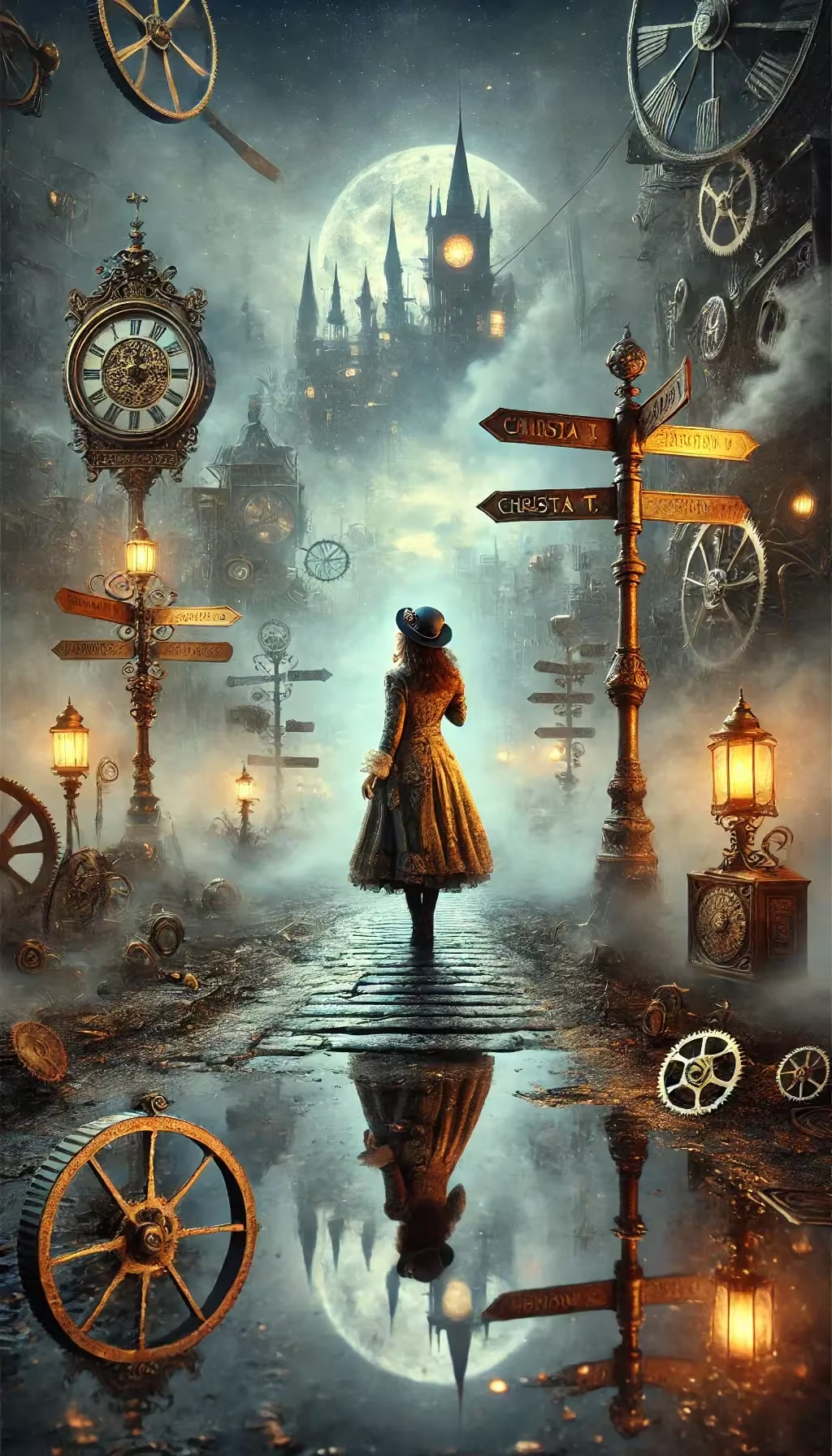

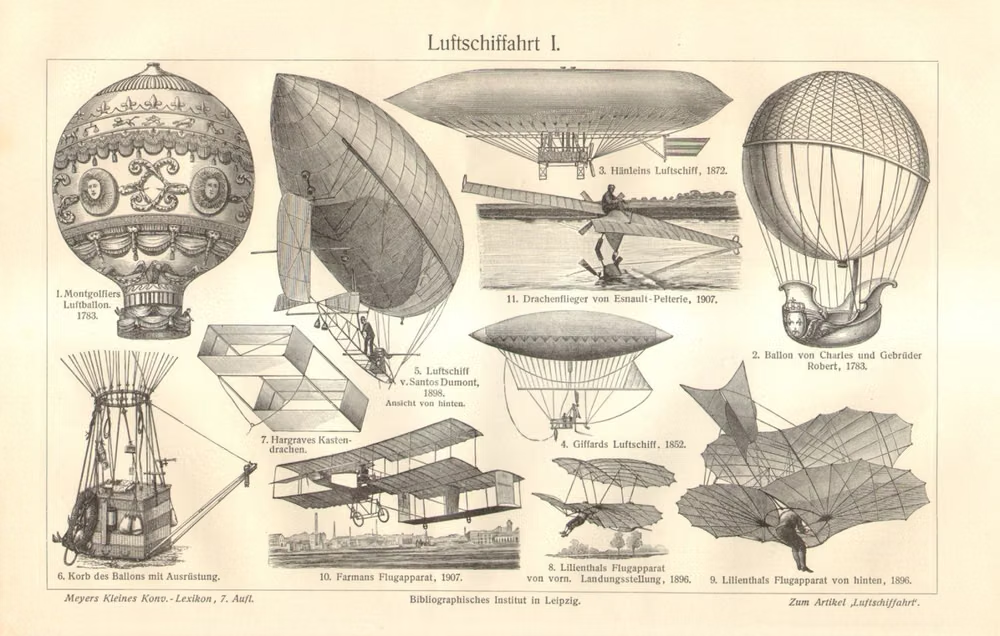
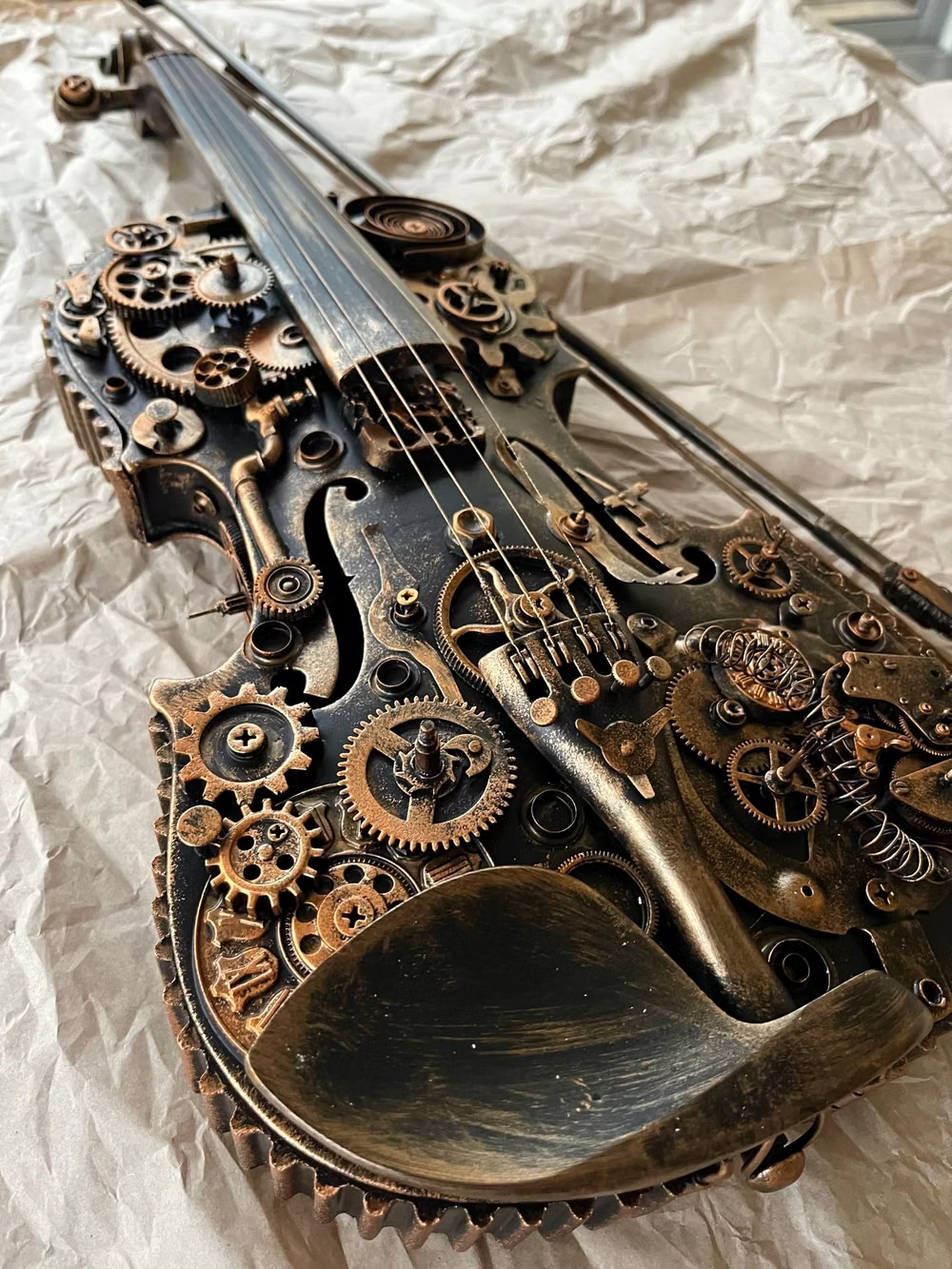





Design principles and implementation
Use these principles to write a focused AI UI design prompt instead of asking for a vague visual treatment.
Color direction
Use brass, copper, iron, dark wood, oxblood leather, yellowed parchment, smoky glass, cream enamel, and verdigris; add soot, scratches, tarnish, rubbed edges, and uneven warm lamp light to create a used, handcrafted finish. In a daisyUI theme, use brass or copper for `primary`, oxblood or verdigris for `secondary`, and assign smoky brown, dark wood, and soot-black to `base-100`, `base-200`, and `base-300`.
Imagery direction
Render controls as individually made physical objects, including engraved diagrams, Victorian machinery, gears, airships, gauges, pipes, leather tools, specimen drawers, and enamel labels; preserve material grain, small imperfections, and tactile construction details.
Content density
Keep density high and deliberately maximalist, filling panels, borders, and control clusters with engineered ornament while protecting readable parchment fields; establish hierarchy through scale, framing, lighting, and material contrast instead of broad neutral space. Use the `*-sm` size variants for daisyUI components to preserve this compact working density.
Motion direction
Give controls weight and causal response: depress heavy buttons, resist and release levers, rotate linked gears, sweep pressure needles, vent brief steam, open mechanical shutters, and illuminate valves in ordered sequences.
Shape language
Use nested riveted plates, pipes, cog teeth, arched frames, valve wheels, leather tabs, circular gauges, and oversized mounted controls; build depth with thick bevels, embossed trim, inset wells, glossy highlights, hard cast shadows, and stacked ornamental frames. In daisyUI themes, set the `--radius-*` variables between `0.25rem` and `1rem`.
Typography rules
Pair Victorian display lettering with a sturdy book serif, using engraved or stamped small caps, plaque-mounted labels, and monospaced numerals for instruments and coordinates.
Suggested Typfaces
Rye
Fresh daisies glow in warm sunlight
Fresh daisies glow in warm sunlight
1 2 3 4 5 6 7 8 9 0
Cinzel
Fresh daisies glow in warm sunlight
Fresh daisies glow in warm sunlight
1 2 3 4 5 6 7 8 9 0
IM Fell English SC
Fresh daisies glow in warm sunlight
Fresh daisies glow in warm sunlight
1 2 3 4 5 6 7 8 9 0
Pirata One
Fresh daisies glow in warm sunlight
Fresh daisies glow in warm sunlight
1 2 3 4 5 6 7 8 9 0
Grenze Gotisch
Fresh daisies glow in warm sunlight
Fresh daisies glow in warm sunlight
1 2 3 4 5 6 7 8 9 0
Build a Steampunk interface with daisyUI
The live example translates this direction into daisyUI components and semantic theme tokens.
To generate a full page in the same visual language, give the style name and the design rules above to Blueprint MCP.
Related UI design styles
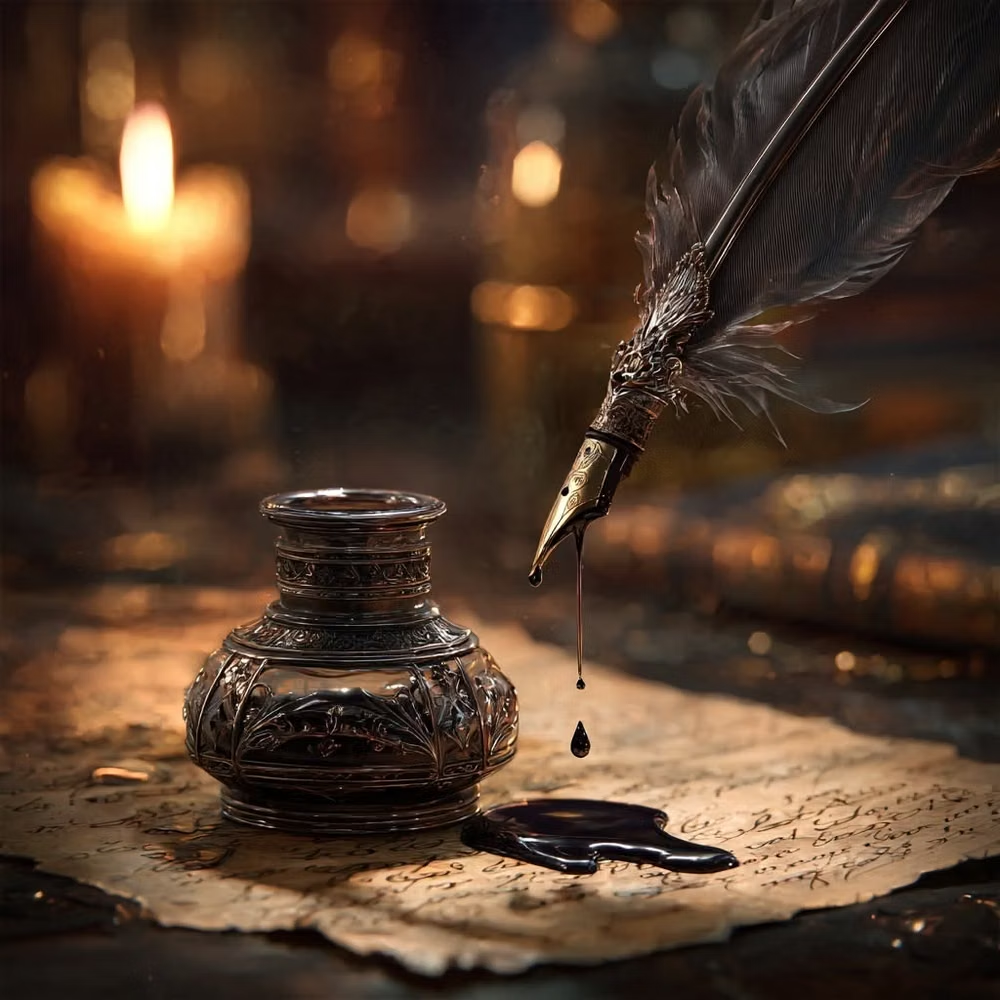
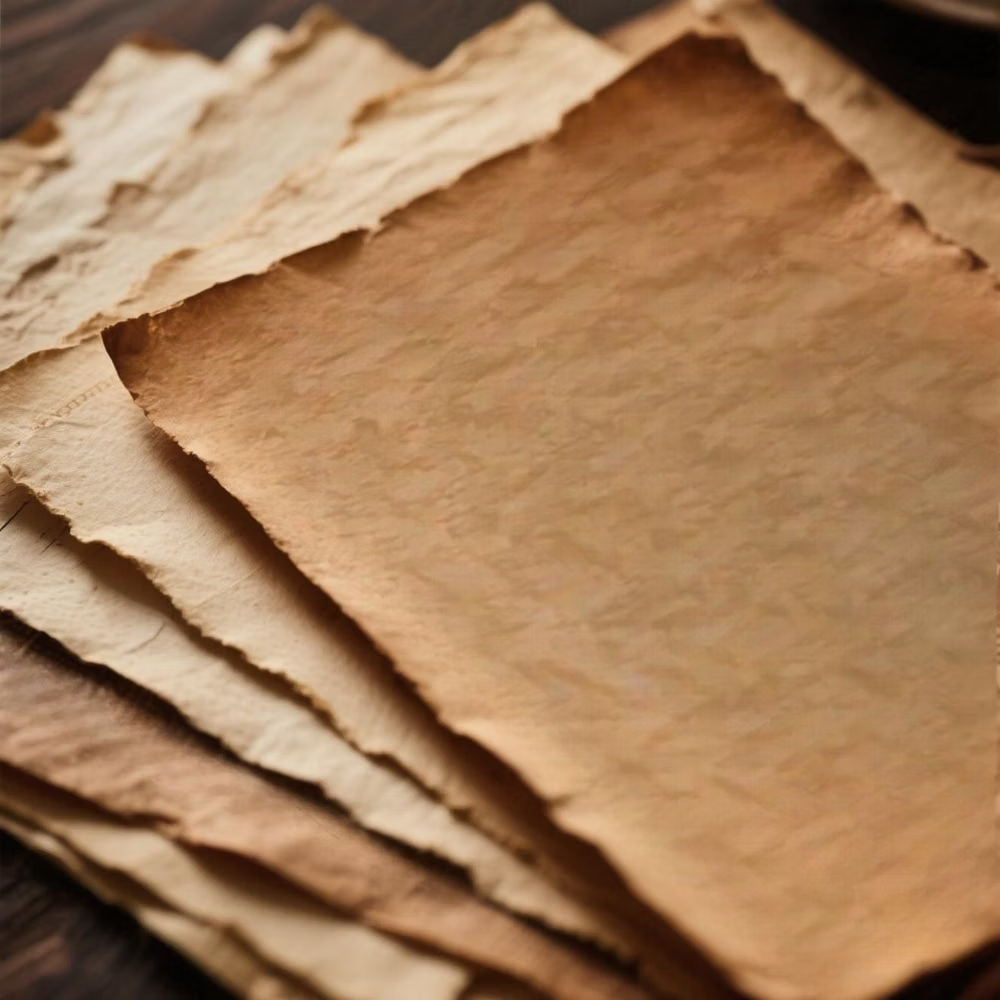
Compare nearby visual languages that share typography, shapes, use cases, or signature elements.
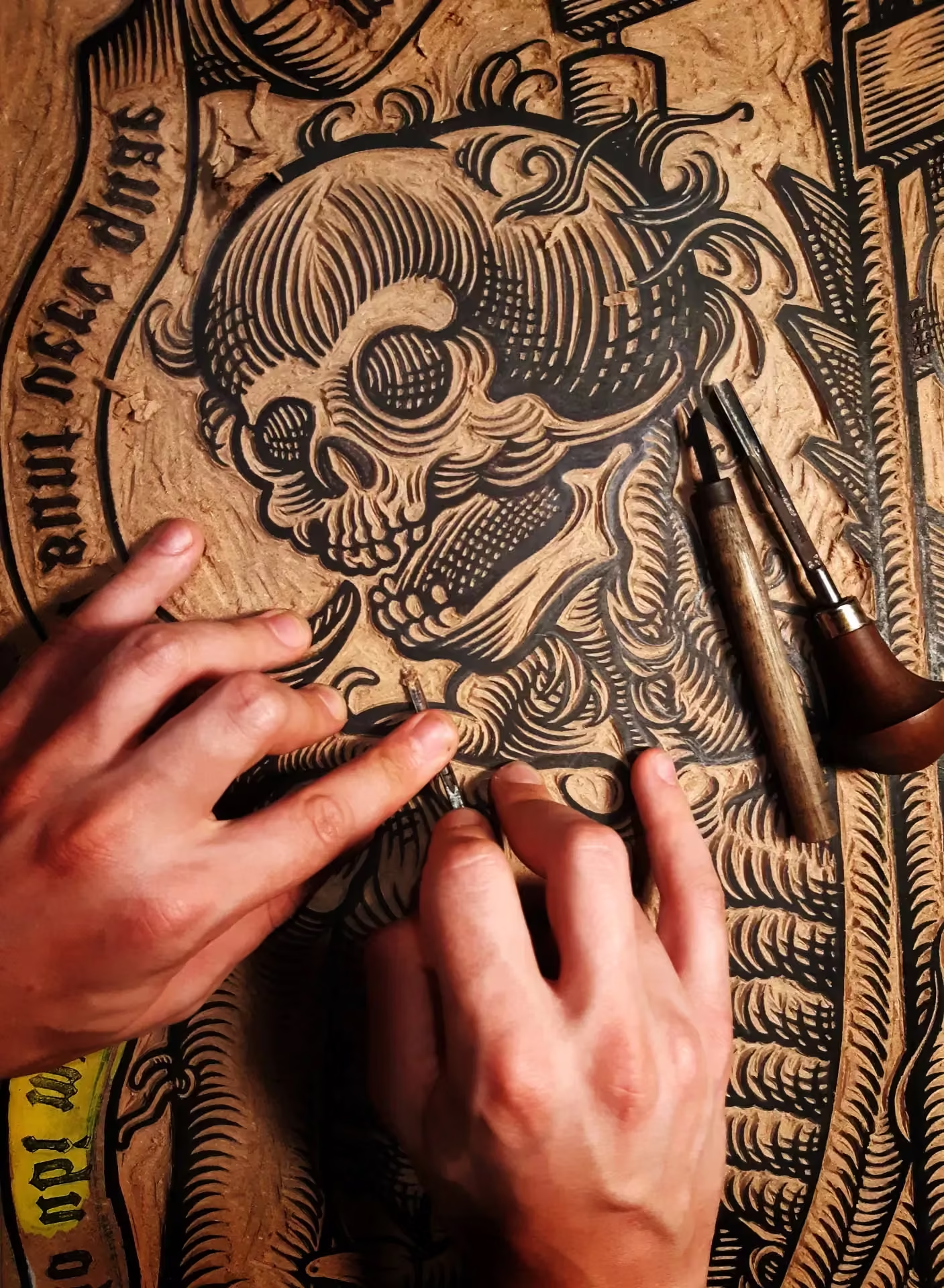
Historical Manuscript Skeuomorphism UI design style
A tactile interface style that makes digital UI feel like a physical artifact from an older era, using the visual language of parchment, ledgers, bound folios, and ceremonial documents. It belongs to the broader skeuomorphic tradition, but with a specifically archival, literary, and old-world character.
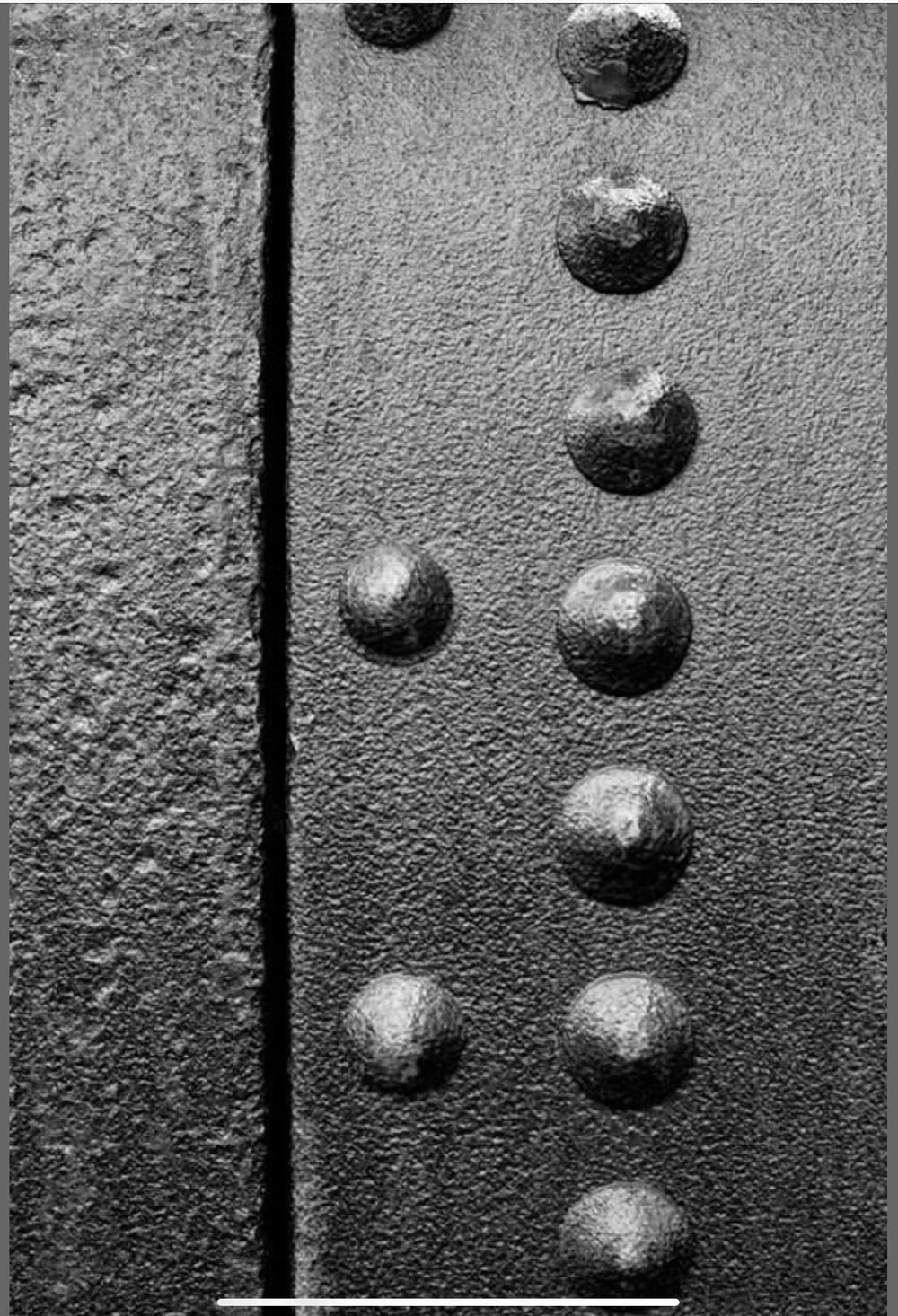
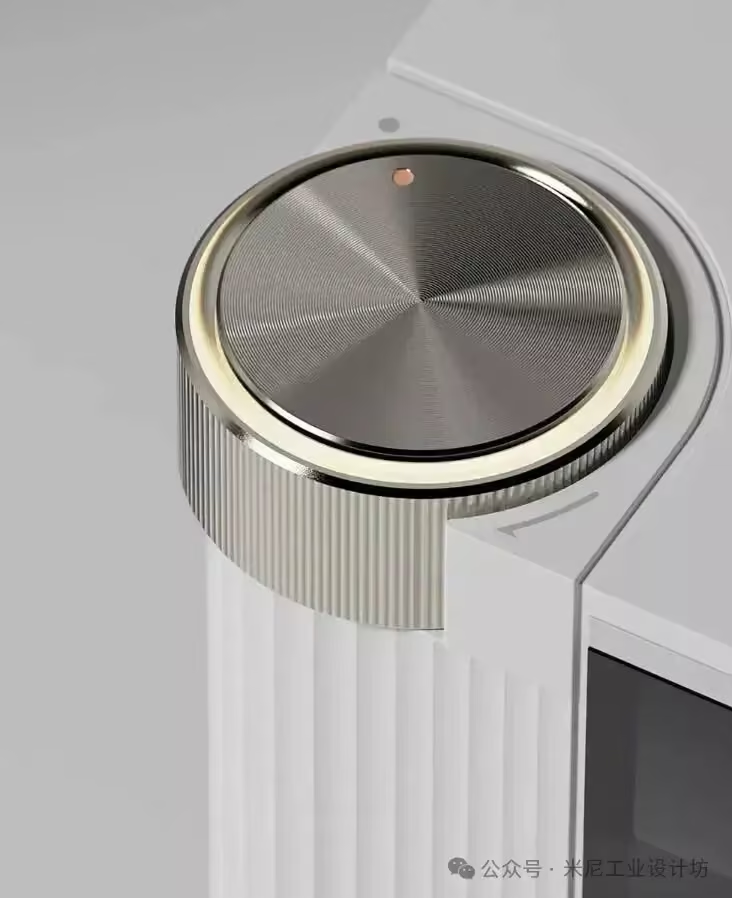
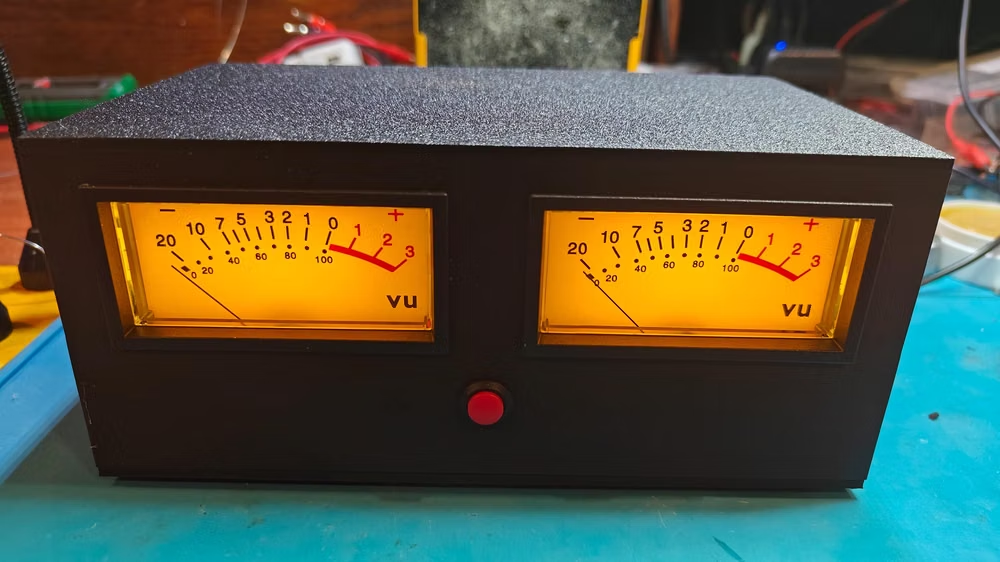
Skeuomorphism UI design style
Photorealistic or softly modeled interfaces use material depth, mechanical controls, and analog-equipment cues, often combining industrial nostalgia with clean retro-futurist geometry.

Dark Academia UI design style
Moody scholarly visuals use serif typography, parchment, dark wood, muted earth tones, and archival details.