Utopian Scholastic UI design style
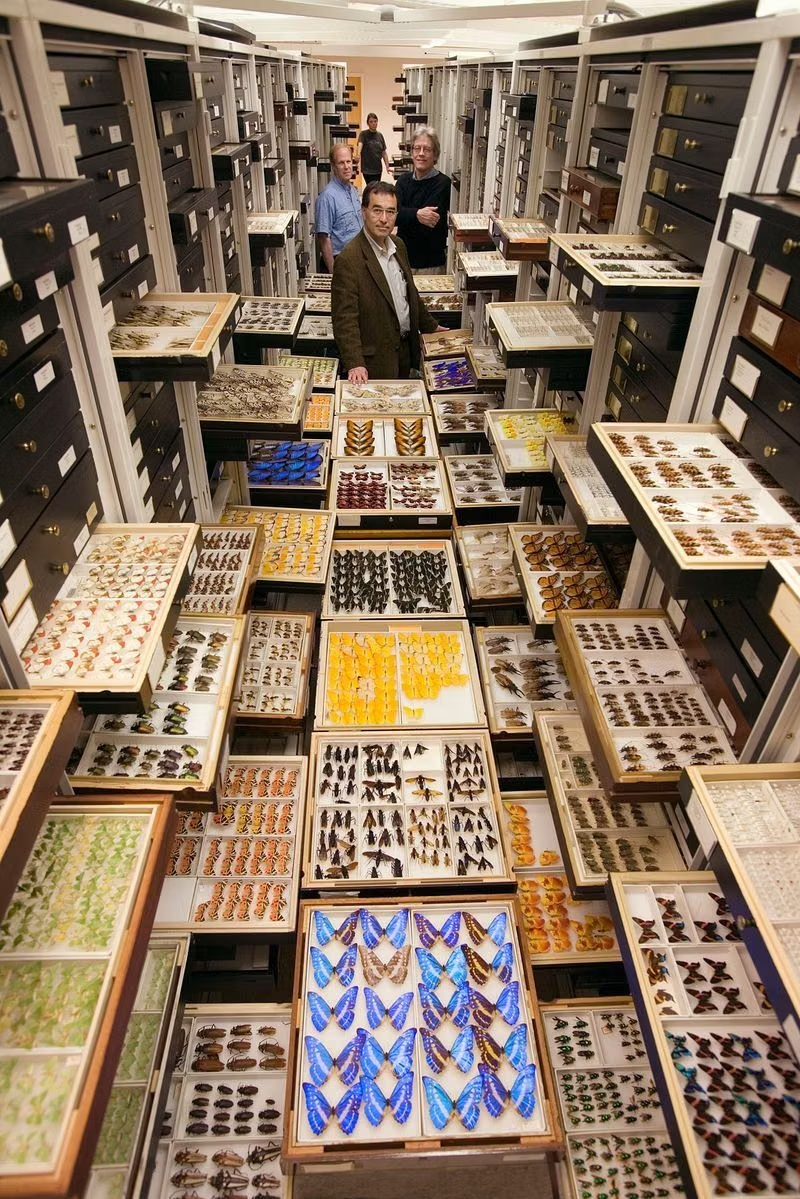
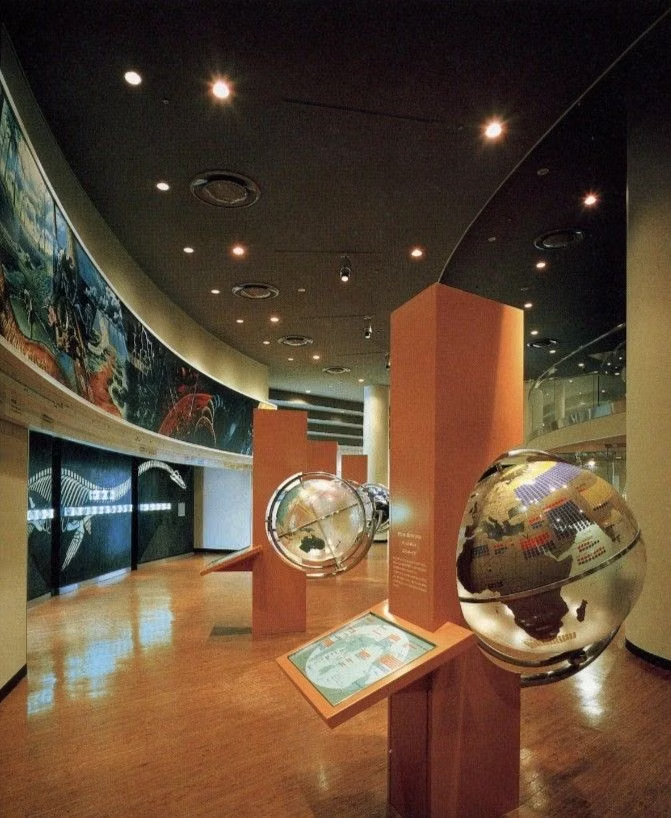
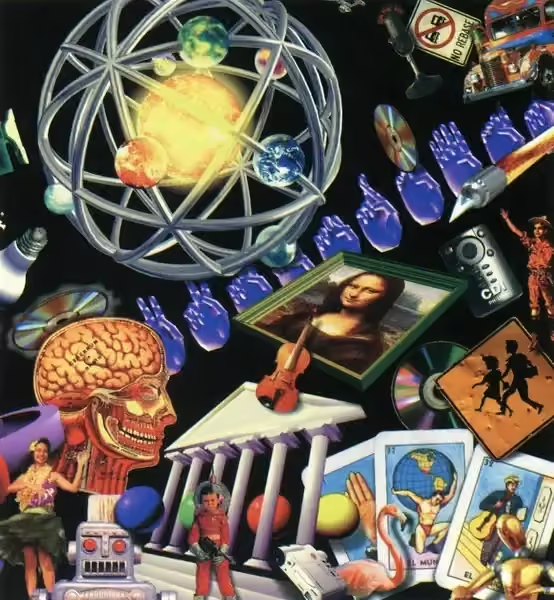
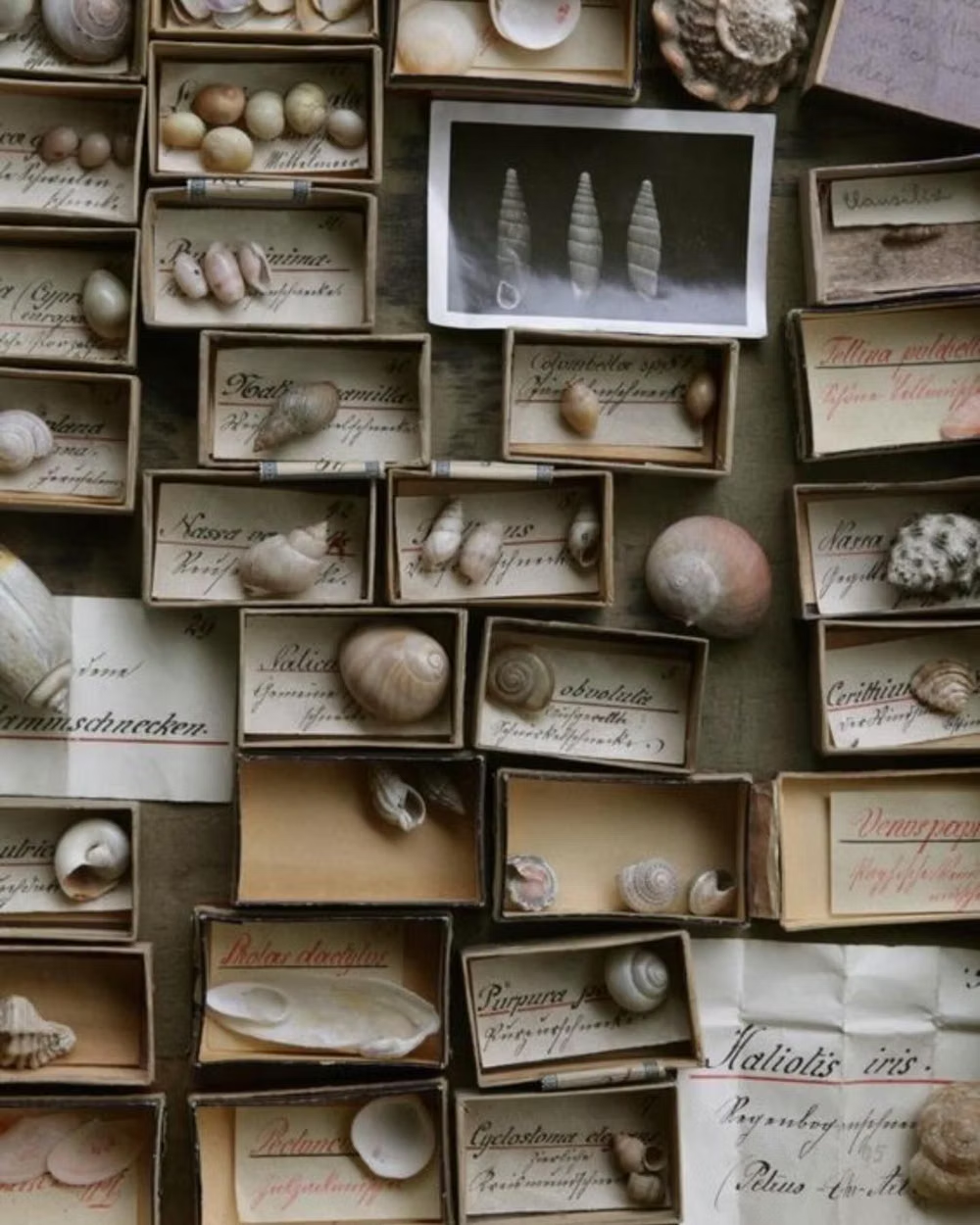
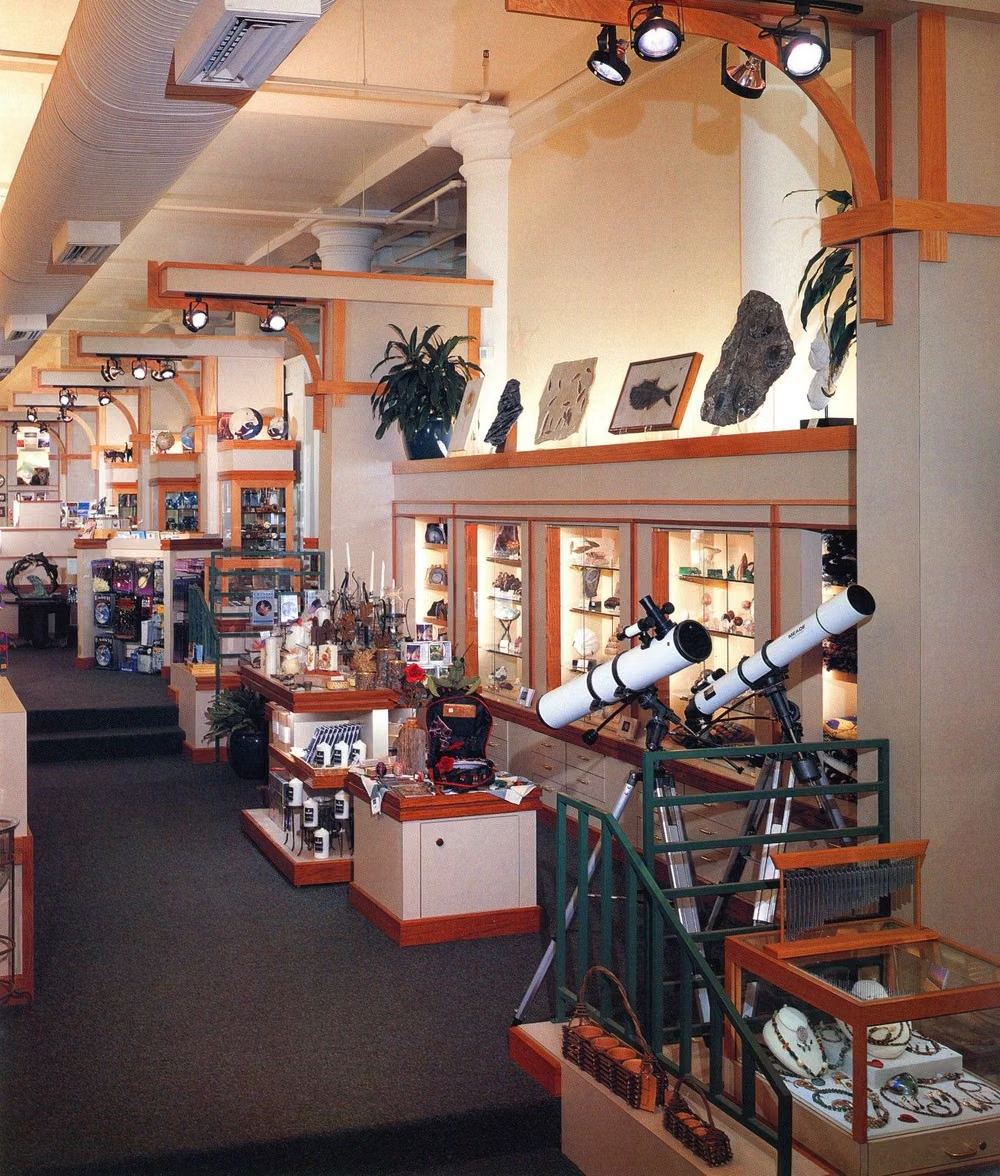
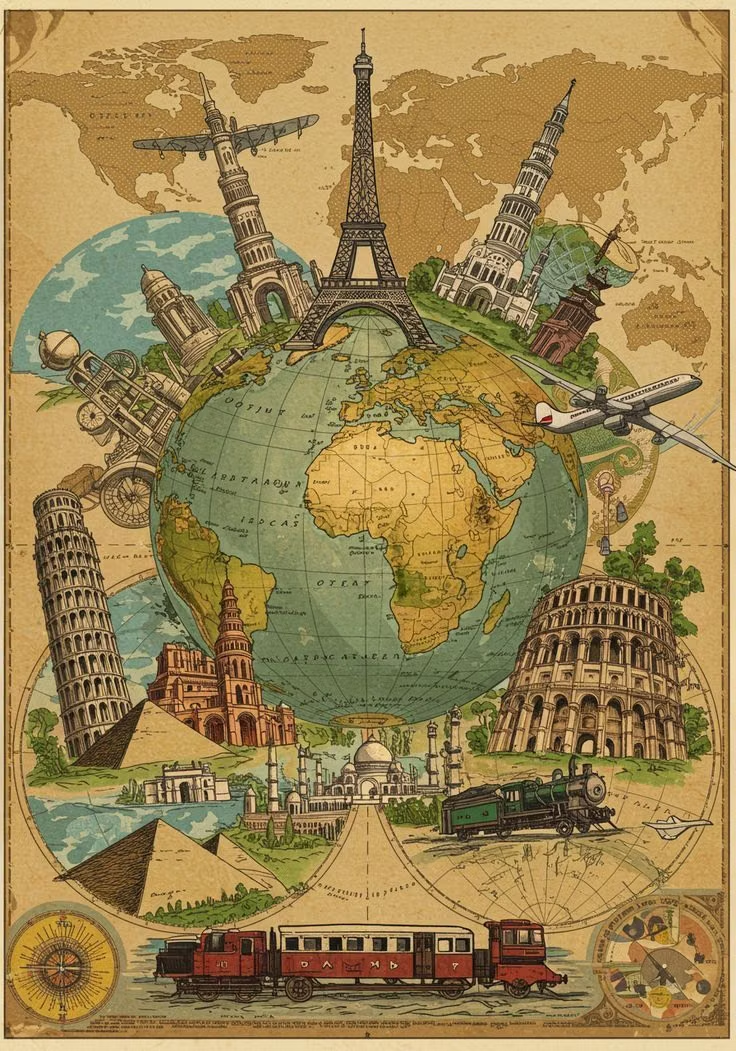
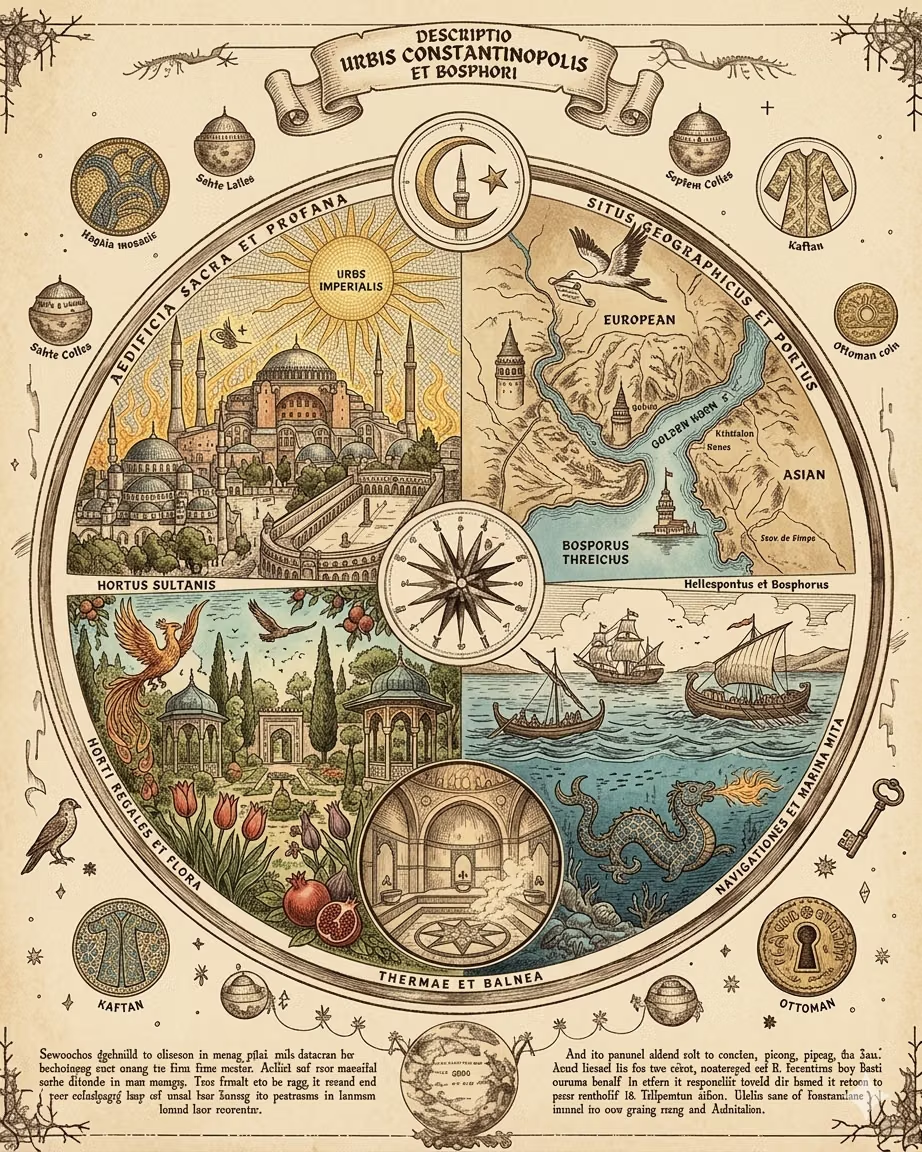
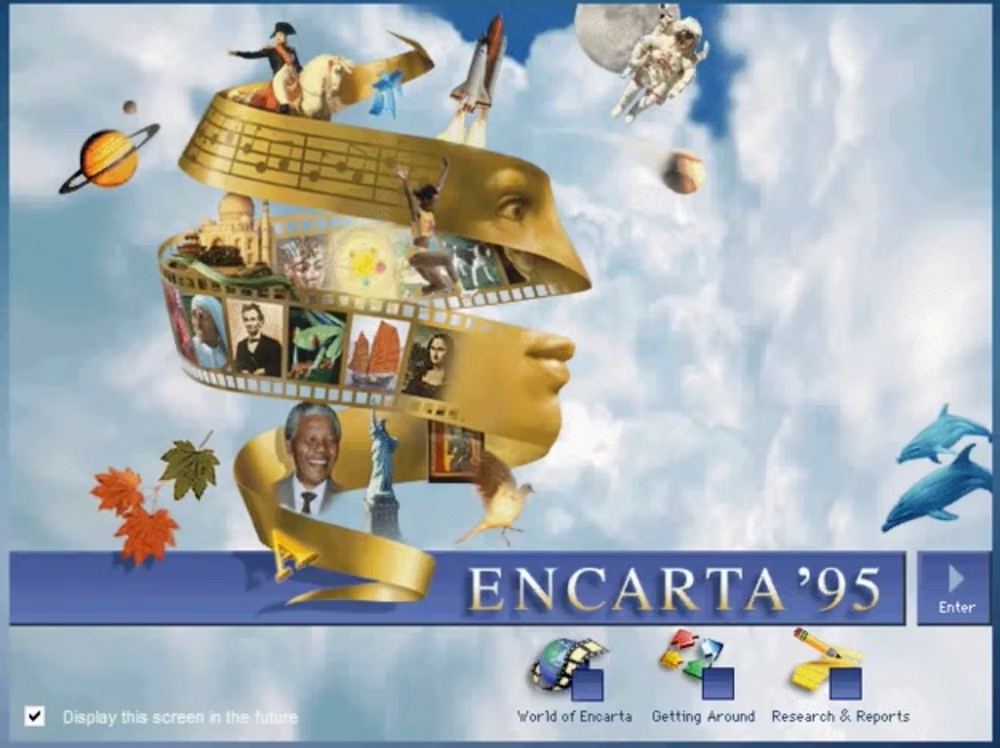
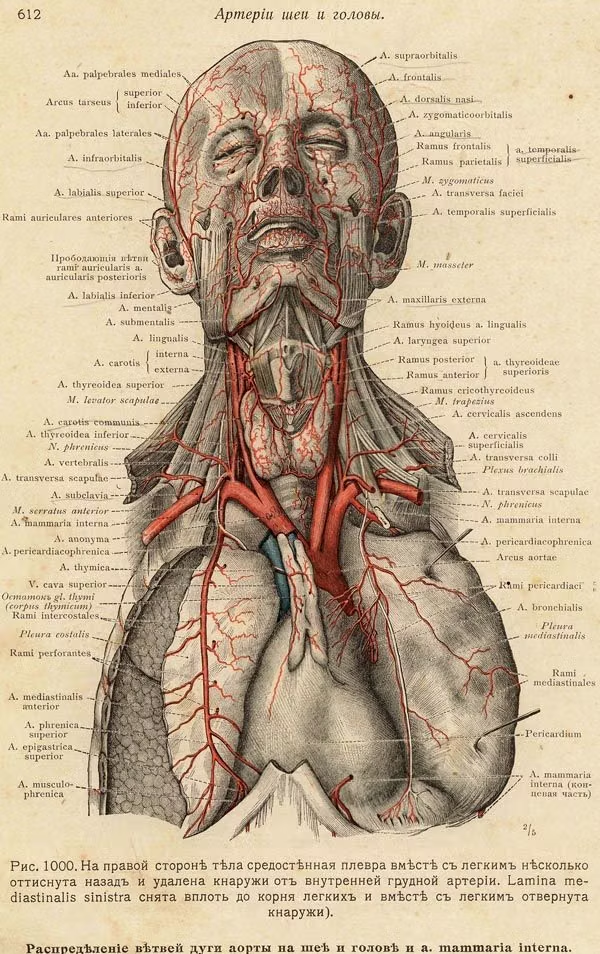
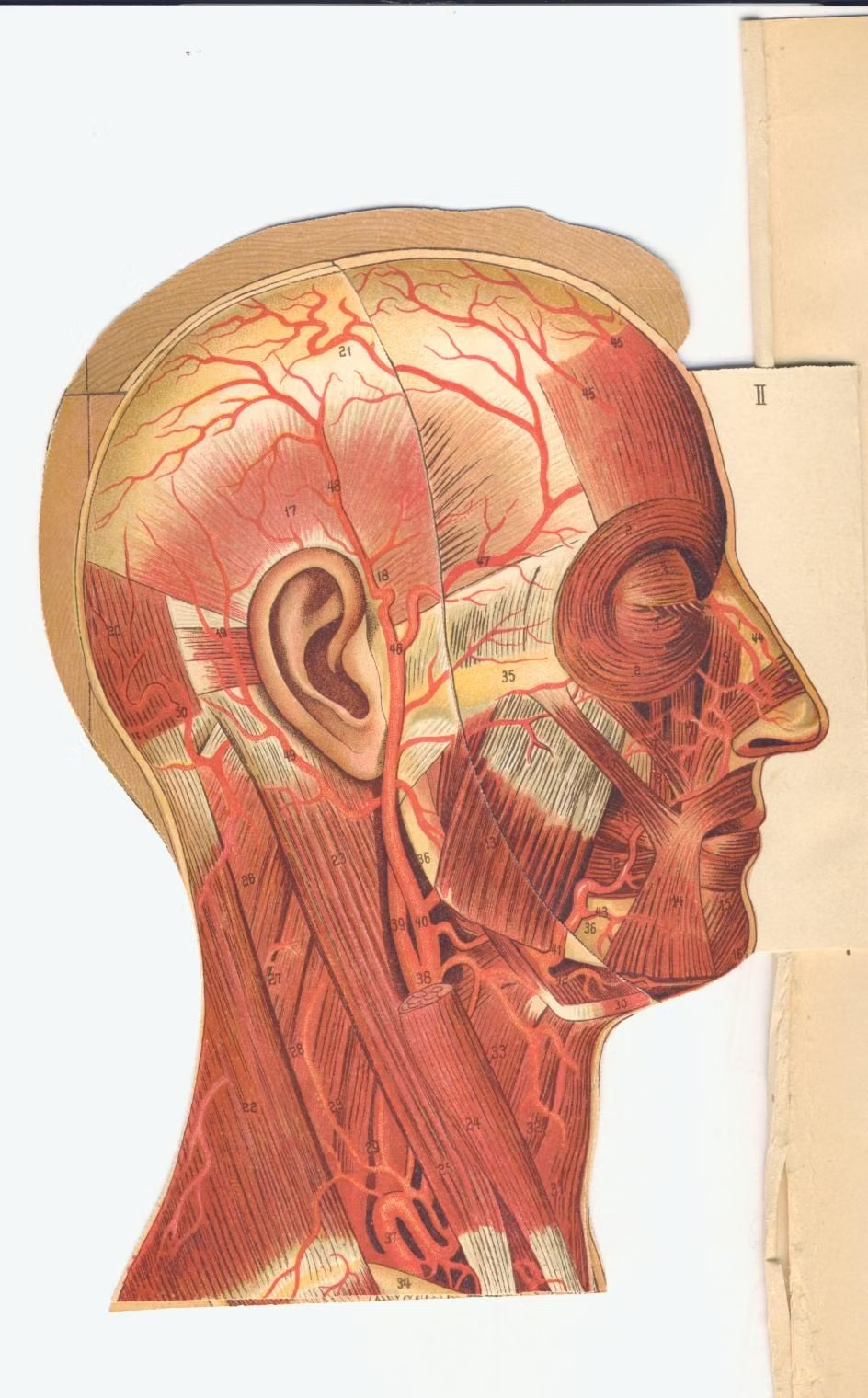
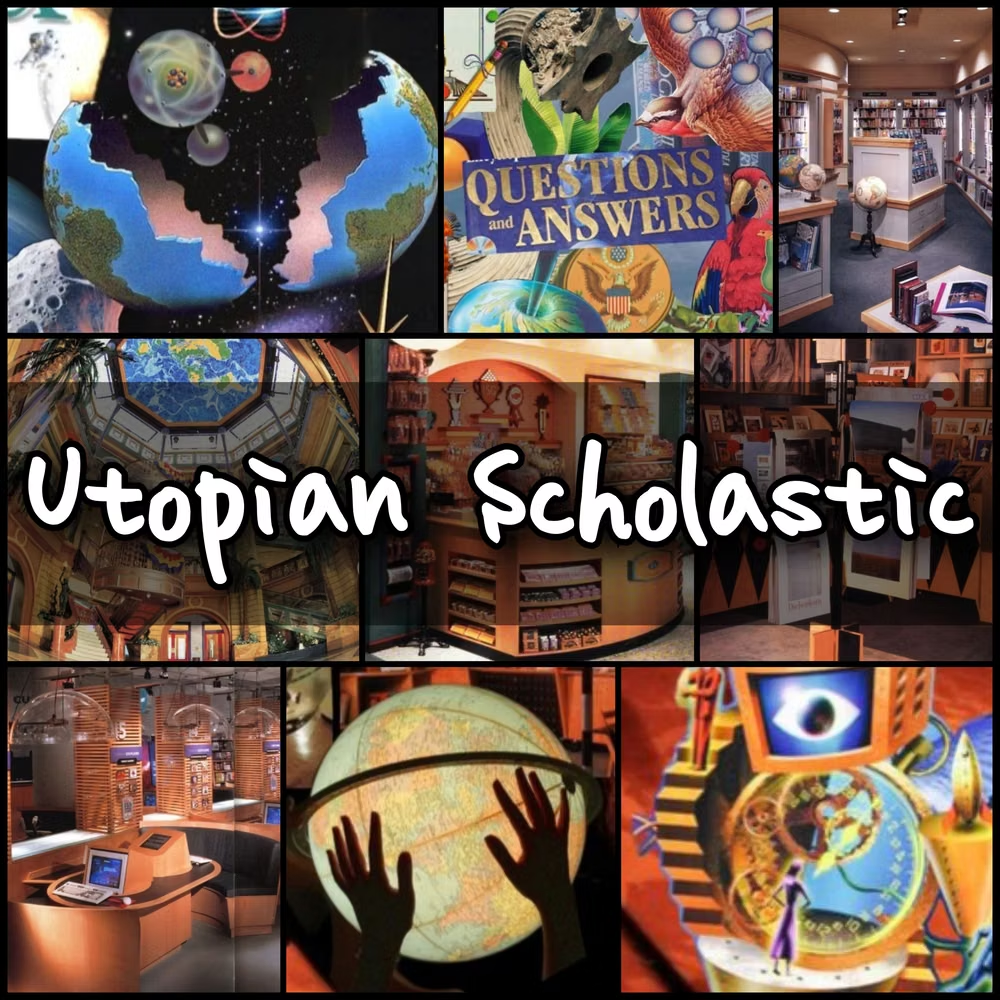
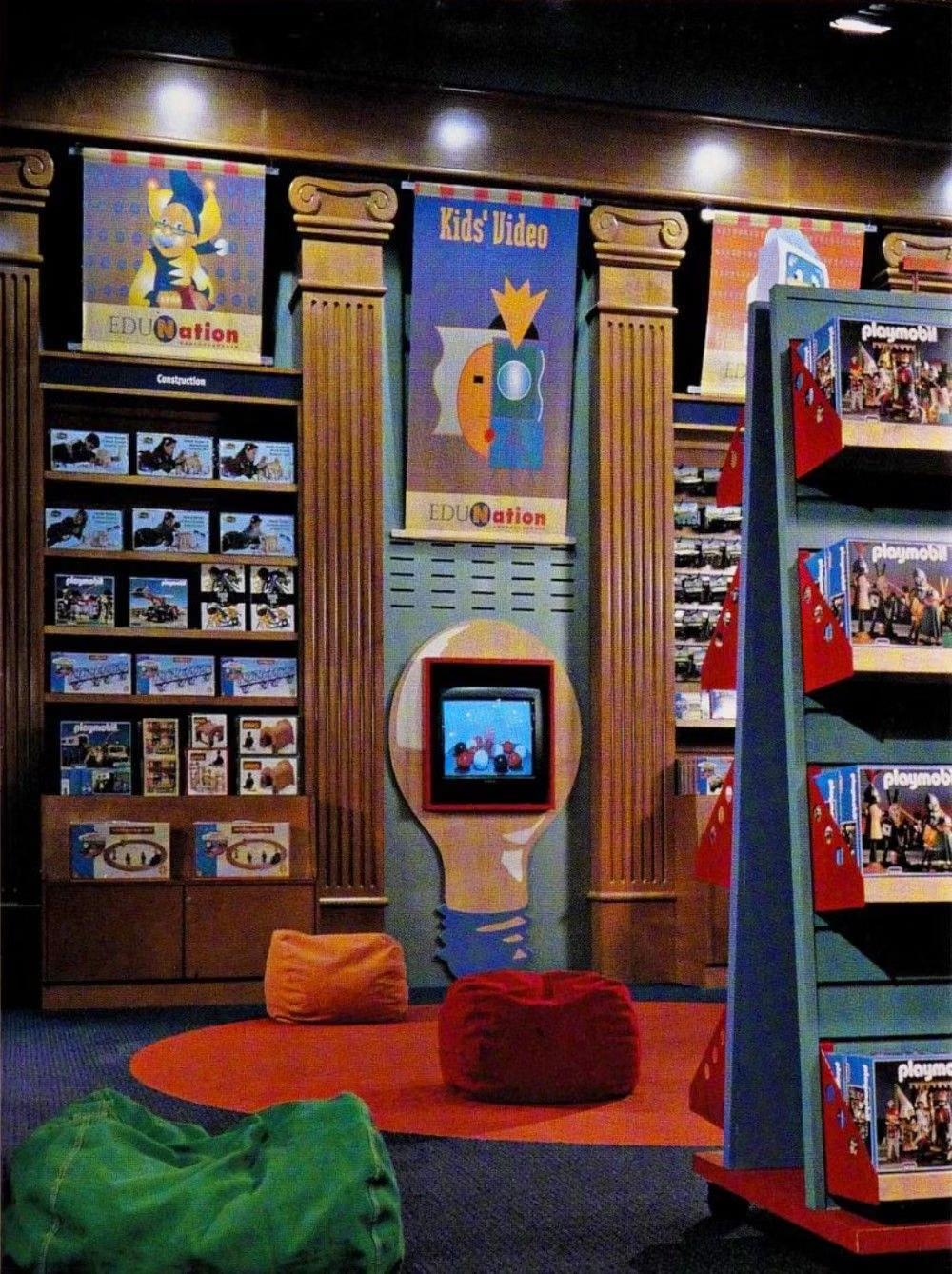
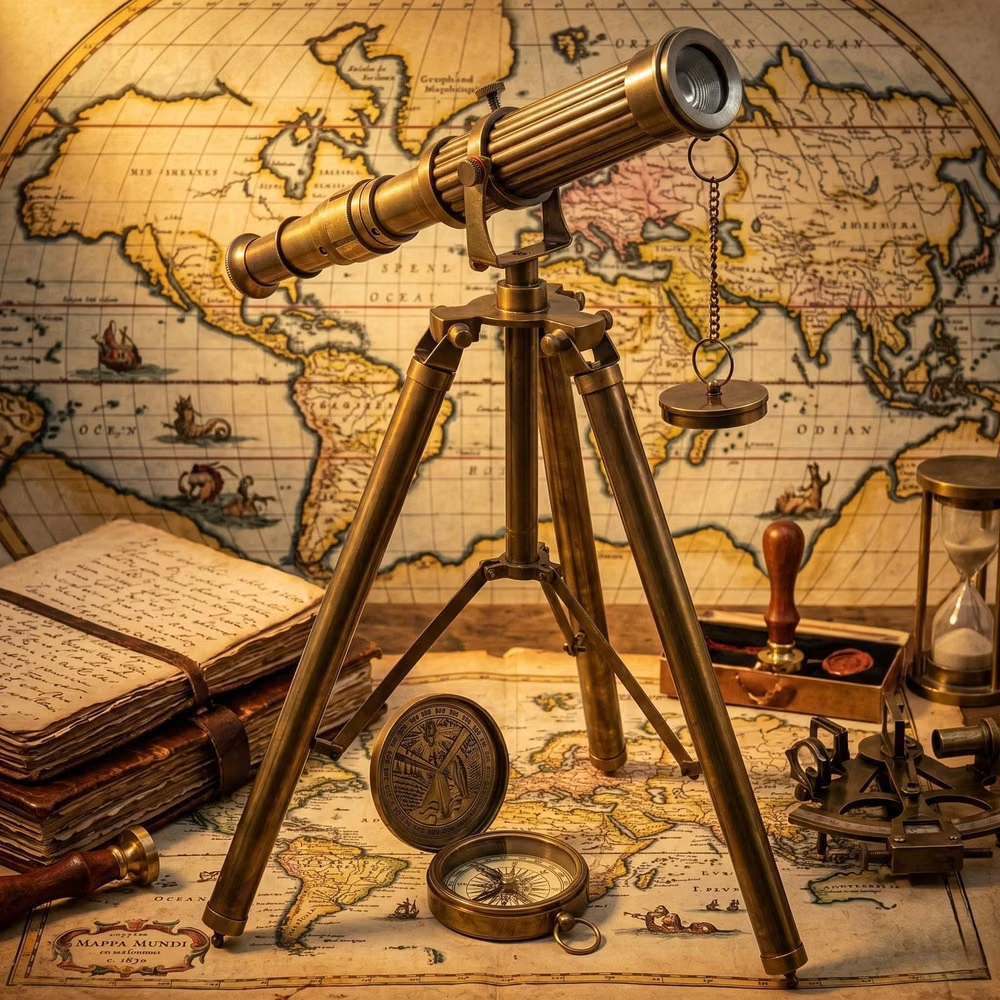
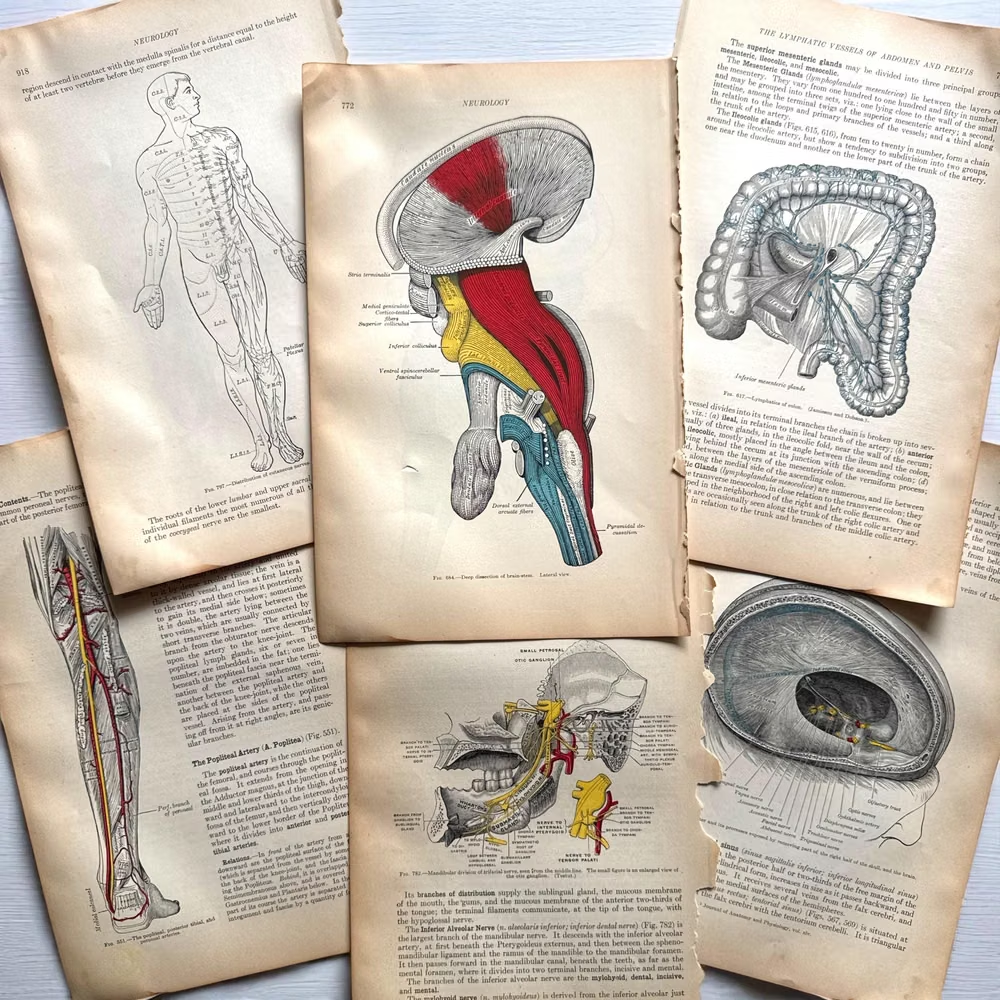
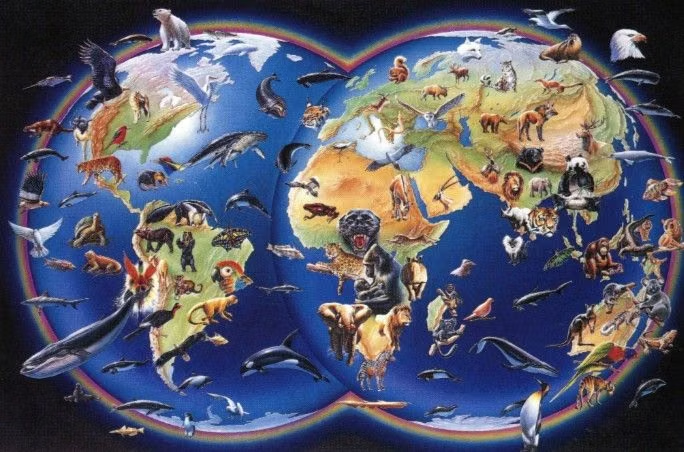
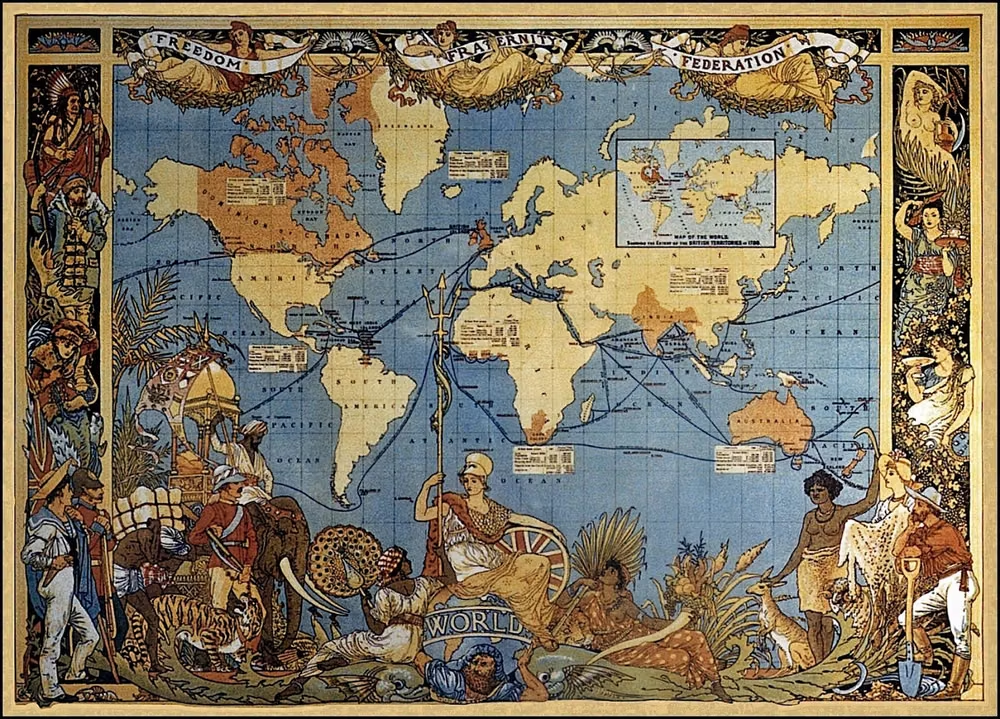
Encyclopedic collage, scientific specimens, planets, animals, diagrams, classical type, and optimistic educational imagery.
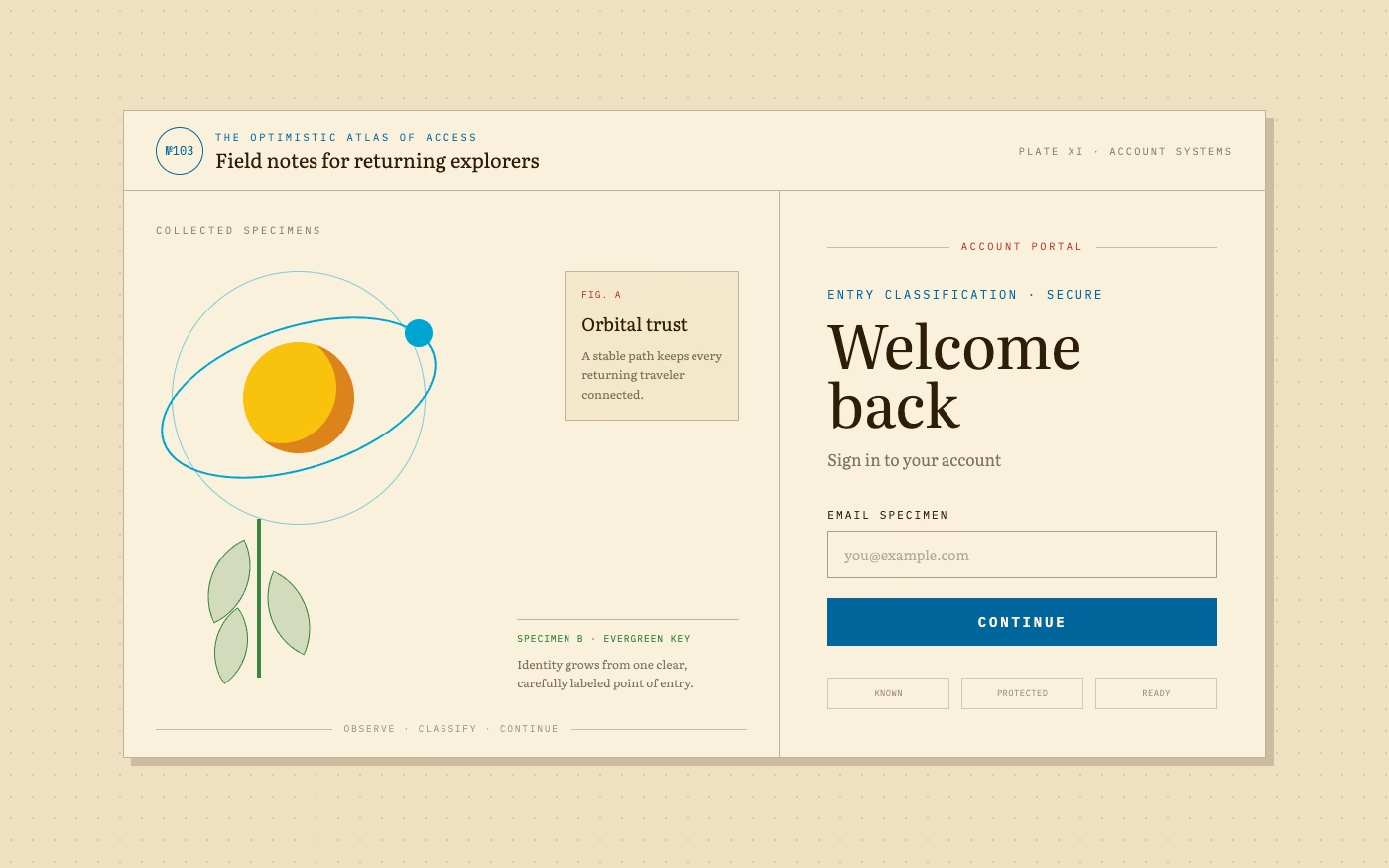
Design overview
- Signature elements
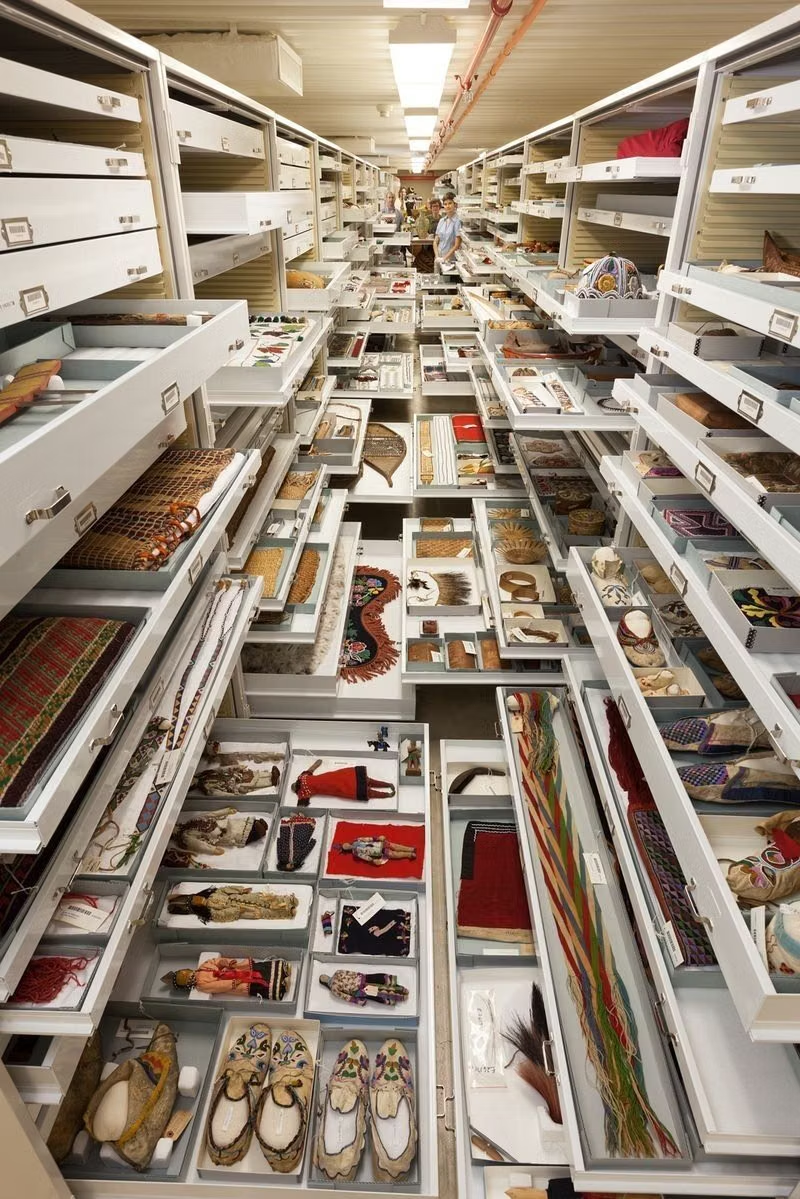
- encyclopedic collage, specimen illustrations, scientific diagrams, classical typography, labeled objects, optimistic learning imagery
- Best suited to
- Museums, learning products, science communication, children’s media, and knowledge platforms.
- Layout principles
- Organize knowledge as an inviting cabinet, atlas, or encyclopedia spread, connecting specimen grids, diagrams, labels, and narrative paths across the page.
History and origins
A fact-checked account of where this visual language came from, with links to the references used.
- Period
- Late 1980s–late 1990s
- Origin
- Educational software, science museums, textbooks, public media, and institutional graphics
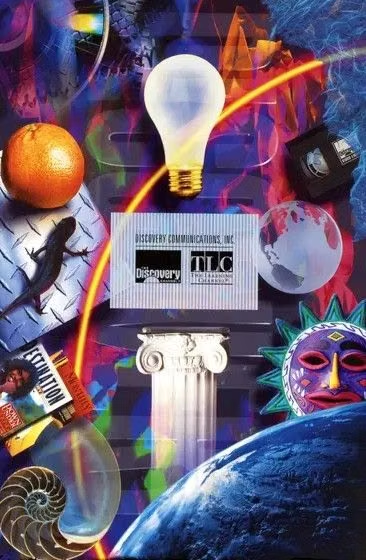
Utopian Scholastic is a retrospective consumer-aesthetic category for optimistic educational media that mixed diagrams, bright geometry, science imagery, and approachable technology. CARI places its source period in the late 1980s and 1990s and records the term as coined within its research community in February 2017, not by designers during the original period.
Moodboard and visual references
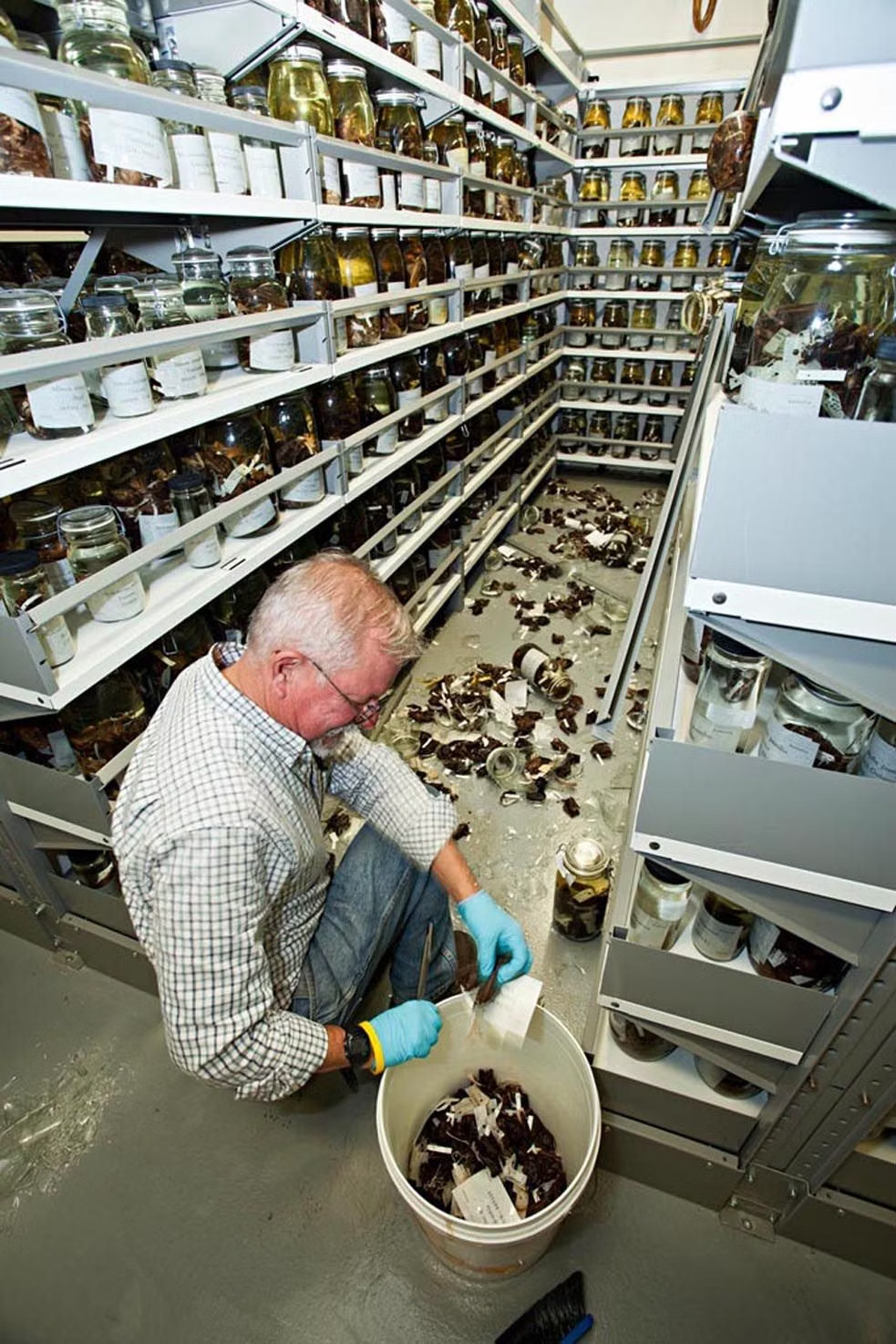
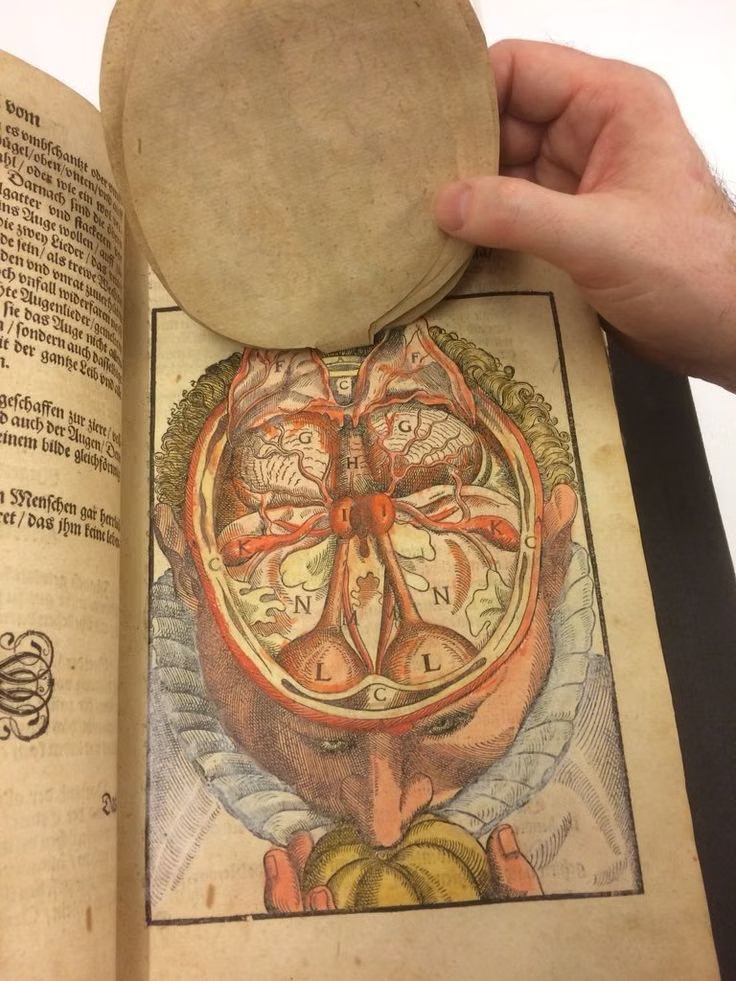
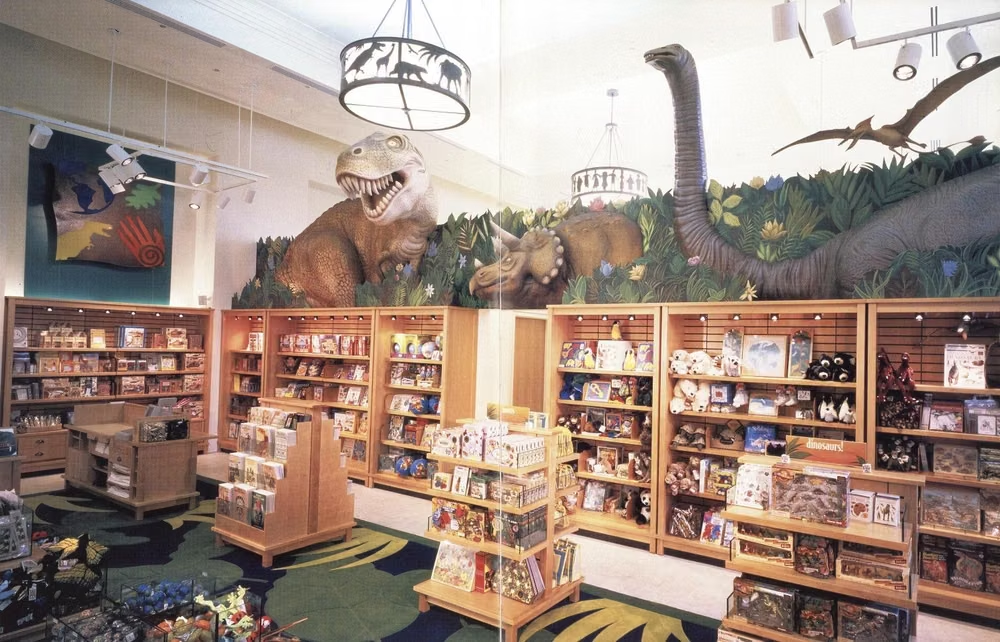
A visual study of the forms, inspirations, materials, colors, type, and cultural references associated with this UI design style.


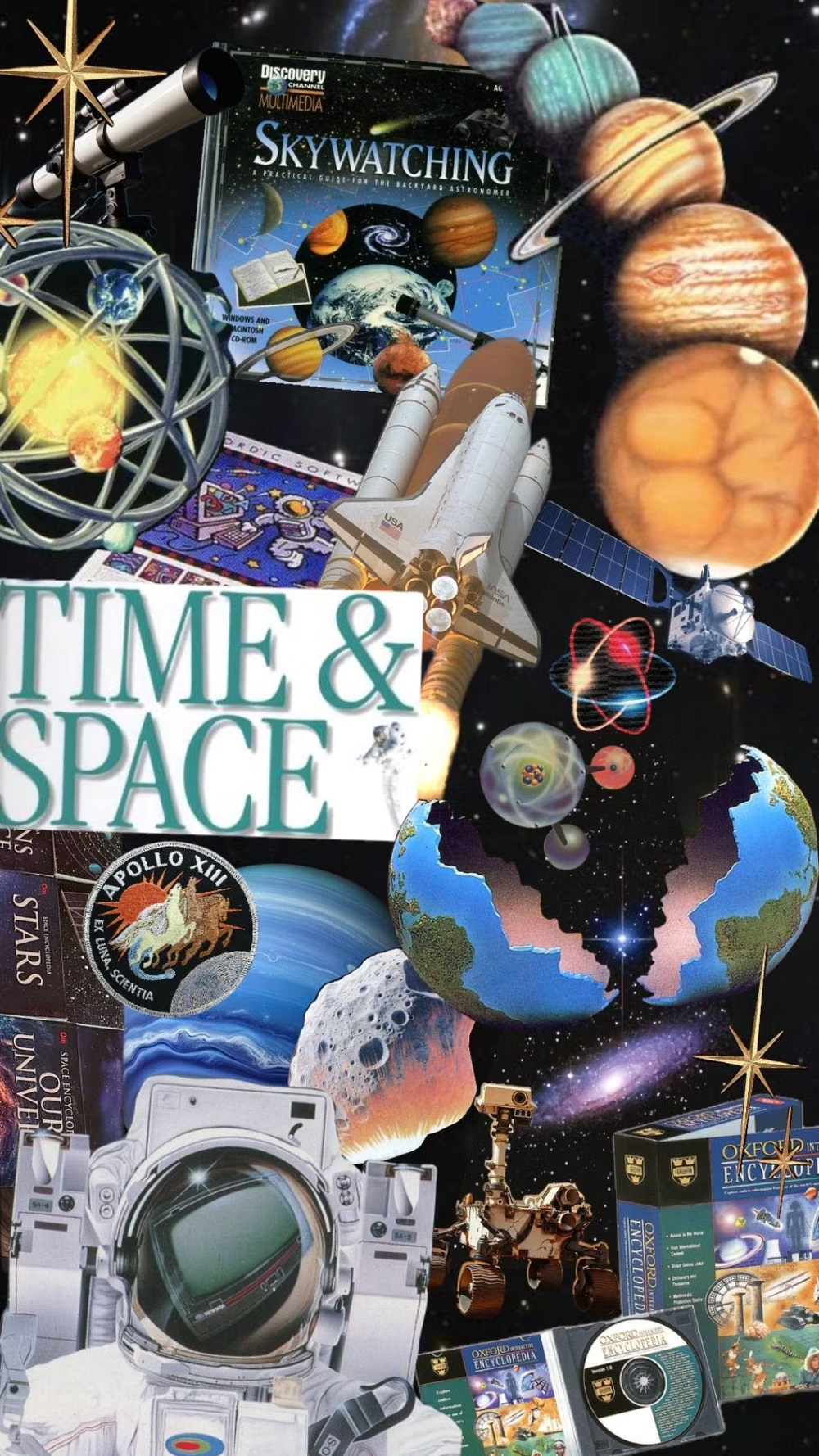
Design principles and implementation
Use these principles to write a focused AI UI design prompt instead of asking for a vague visual treatment.
Color direction
Use warm paper, sky blue, leaf green, sunny yellow, mineral red, and ink tones in optimistic educational combinations. In a daisyUI theme, use sky blue or leaf green for `primary`, sunny yellow or mineral red for `secondary`, and assign warm paper, cream, and light archival tan to `base-100`, `base-200`, and `base-300`.
Imagery direction
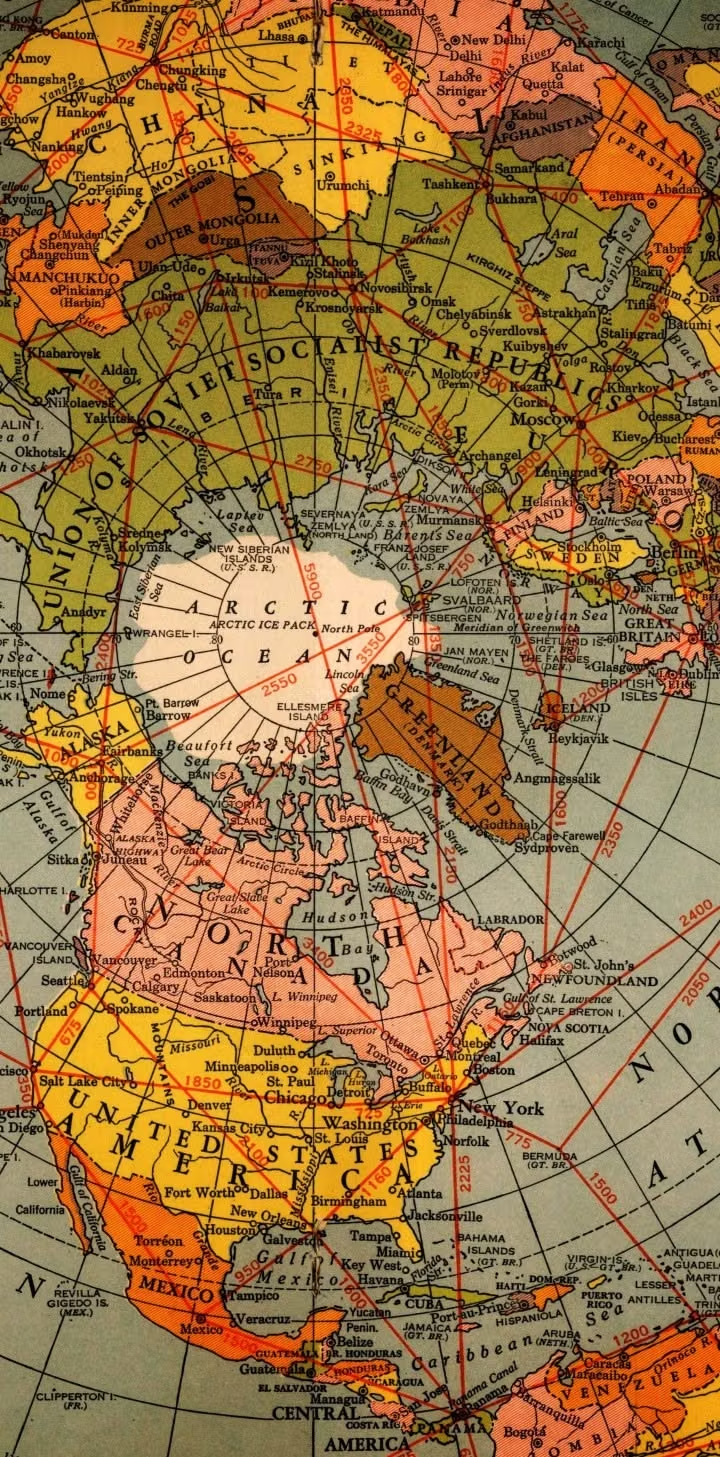
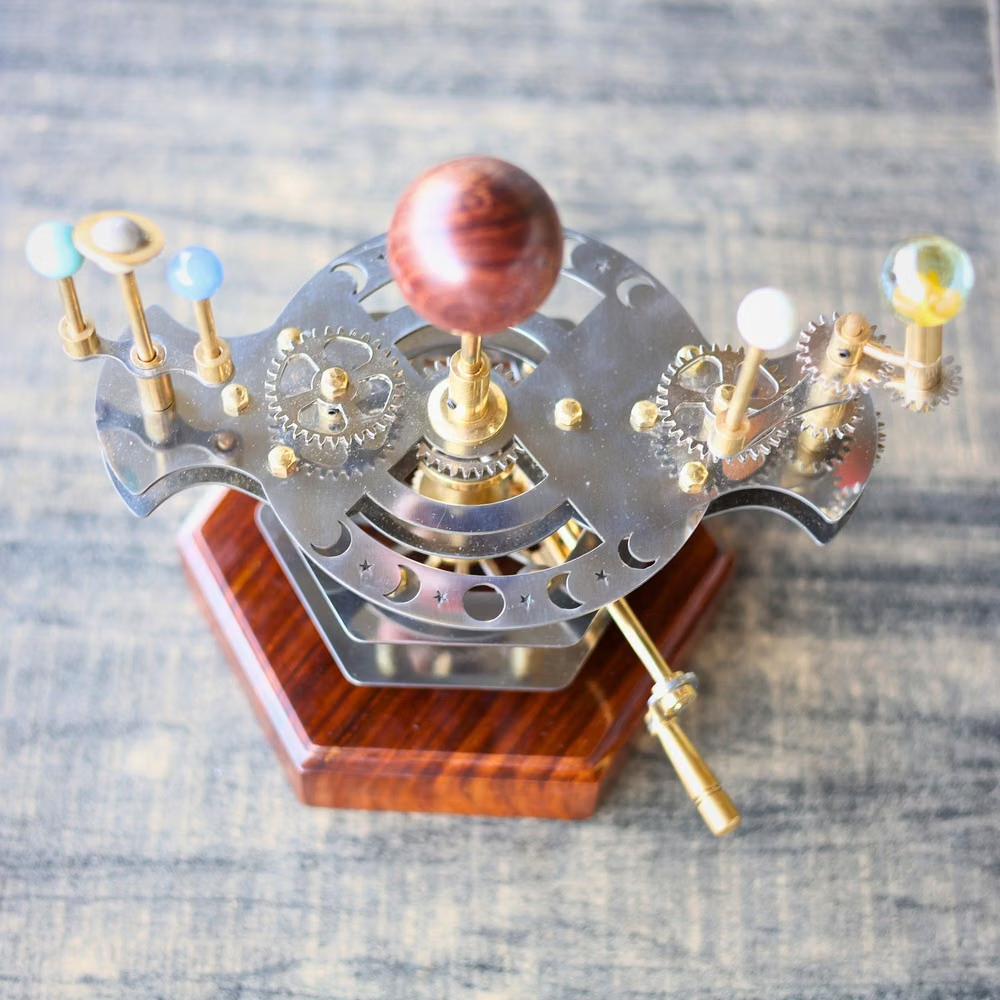
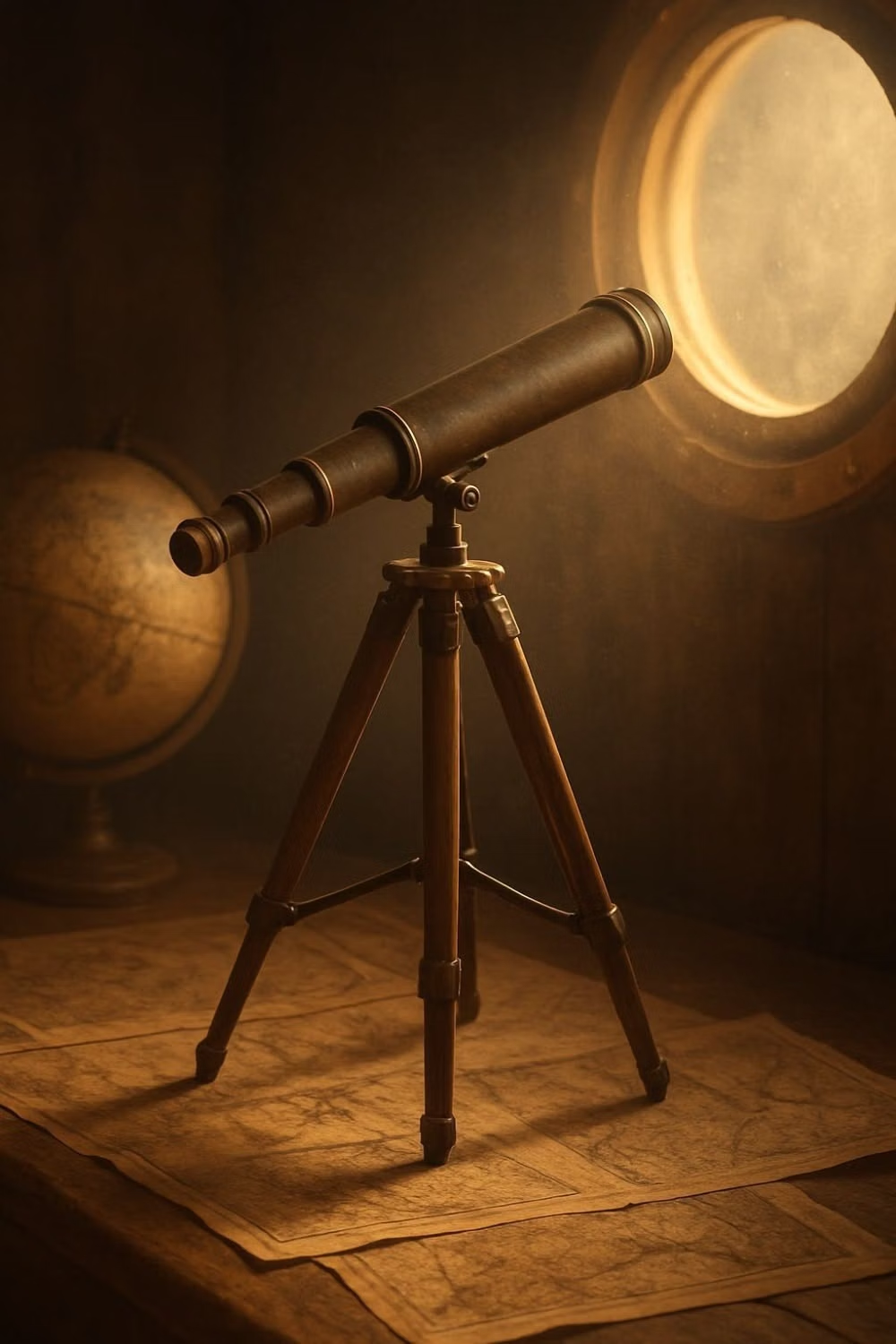
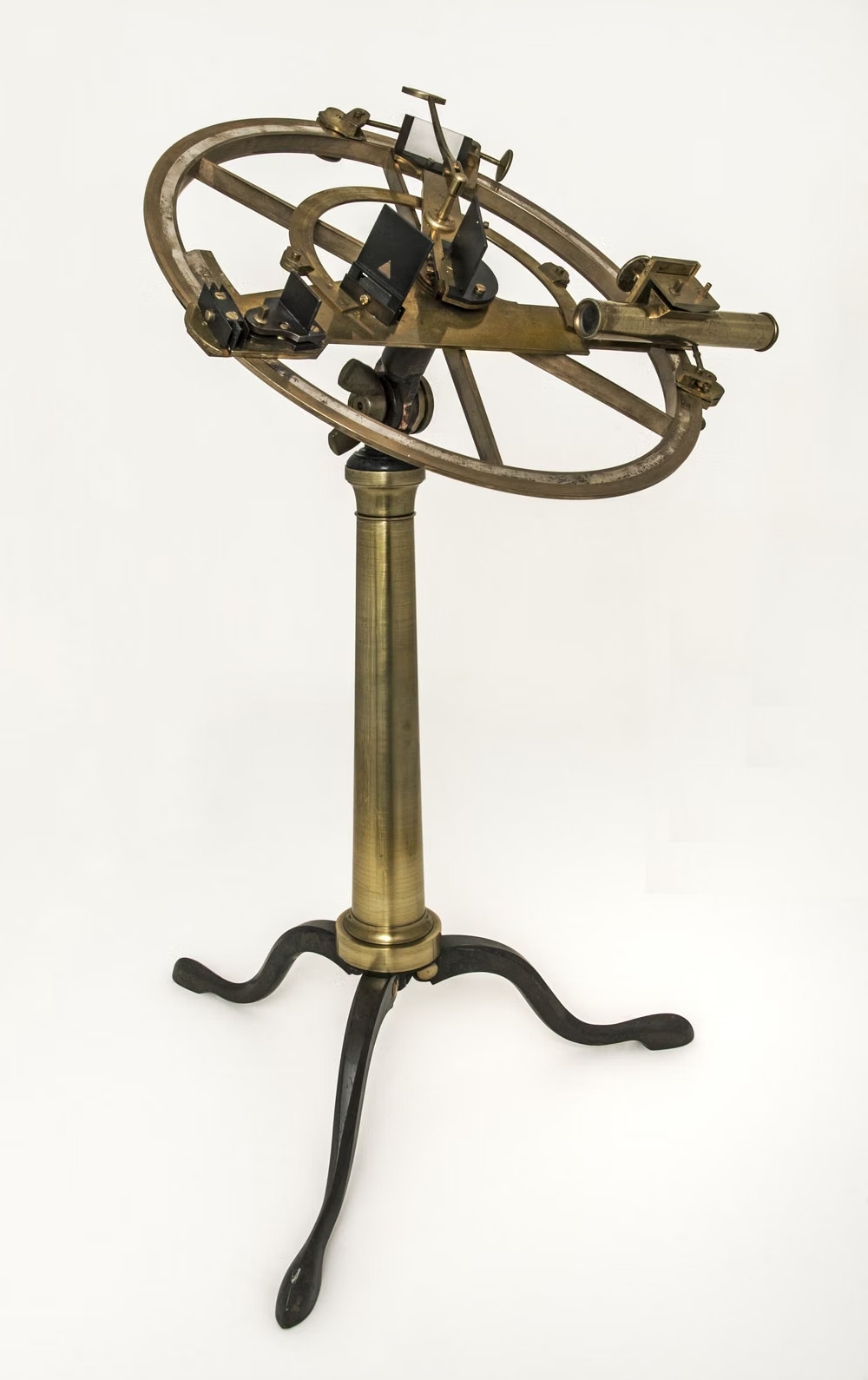
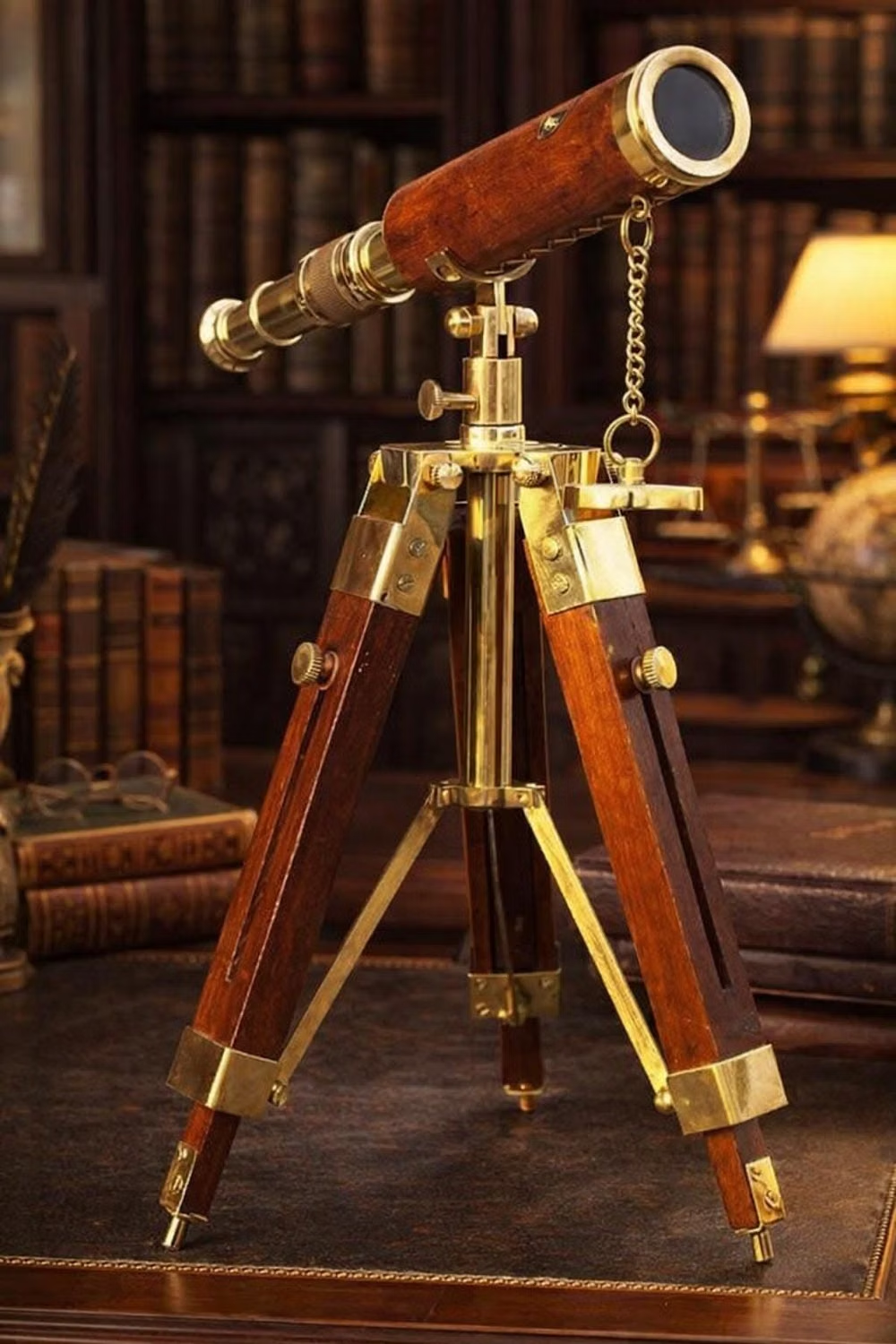
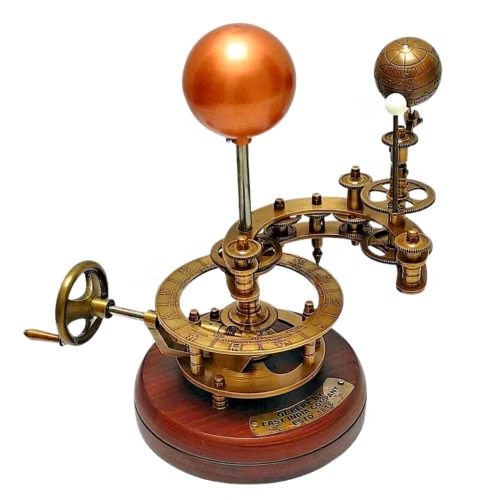
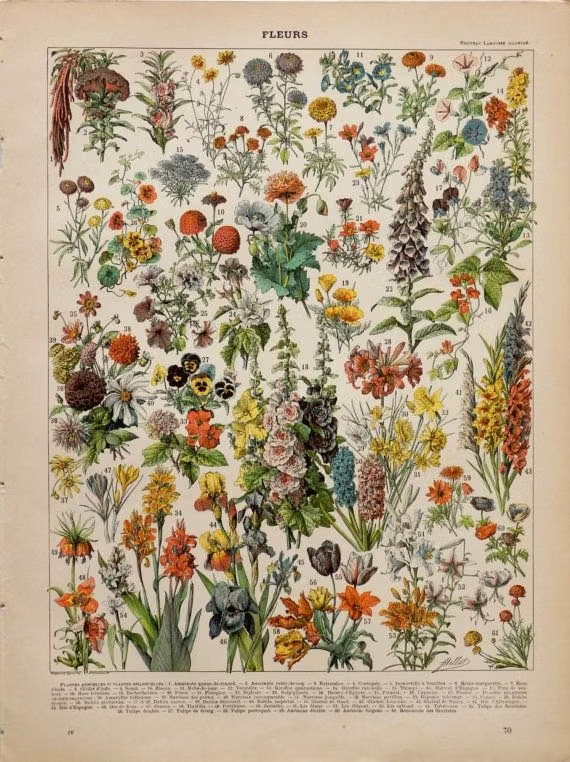
Choose scientific specimens, planets, animals, instruments, cutaway diagrams, archival plates, maps, and labeled collections with factual specificity.
Content density
Support high informative density through clear taxonomies, captions, legends, and progressive layers, preserving room for curiosity and visual discovery. Use the `*-sm` size variants for daisyUI components to preserve this compact working density.
Motion direction
Connect labels to specimens, orbit planets, unfold diagrams, sort collections, and reveal cross-sections in direct explanatory sequences.
Shape language
Use specimen frames, circles, arrows, ruled labels, cabinets, orbit lines, and paper cutouts that support classification and comparison. In daisyUI themes, set the `--radius-*` variables between `0.25rem` and `1rem`.
Typography rules
Pair a classical book serif with a clean labeling sans-serif, using consistent caption, definition, heading, and annotation roles throughout.
Suggested Typfaces
Literata
Fresh daisies glow in warm sunlight
Fresh daisies glow in warm sunlight
1 2 3 4 5 6 7 8 9 0
Source Serif 4
Fresh daisies glow in warm sunlight
Fresh daisies glow in warm sunlight
1 2 3 4 5 6 7 8 9 0
Libre Baskerville
Fresh daisies glow in warm sunlight
Fresh daisies glow in warm sunlight
1 2 3 4 5 6 7 8 9 0
IBM Plex Mono
Fresh daisies glow in warm sunlight
Fresh daisies glow in warm sunlight
1 2 3 4 5 6 7 8 9 0
Cormorant Garamond
Fresh daisies glow in warm sunlight
Fresh daisies glow in warm sunlight
1 2 3 4 5 6 7 8 9 0
Build a Utopian Scholastic interface with daisyUI
The live example translates this direction into daisyUI components and semantic theme tokens.
To generate a full page in the same visual language, give the style name and the design rules above to Blueprint MCP.
Related UI design styles
Compare nearby visual languages that share typography, shapes, use cases, or signature elements.
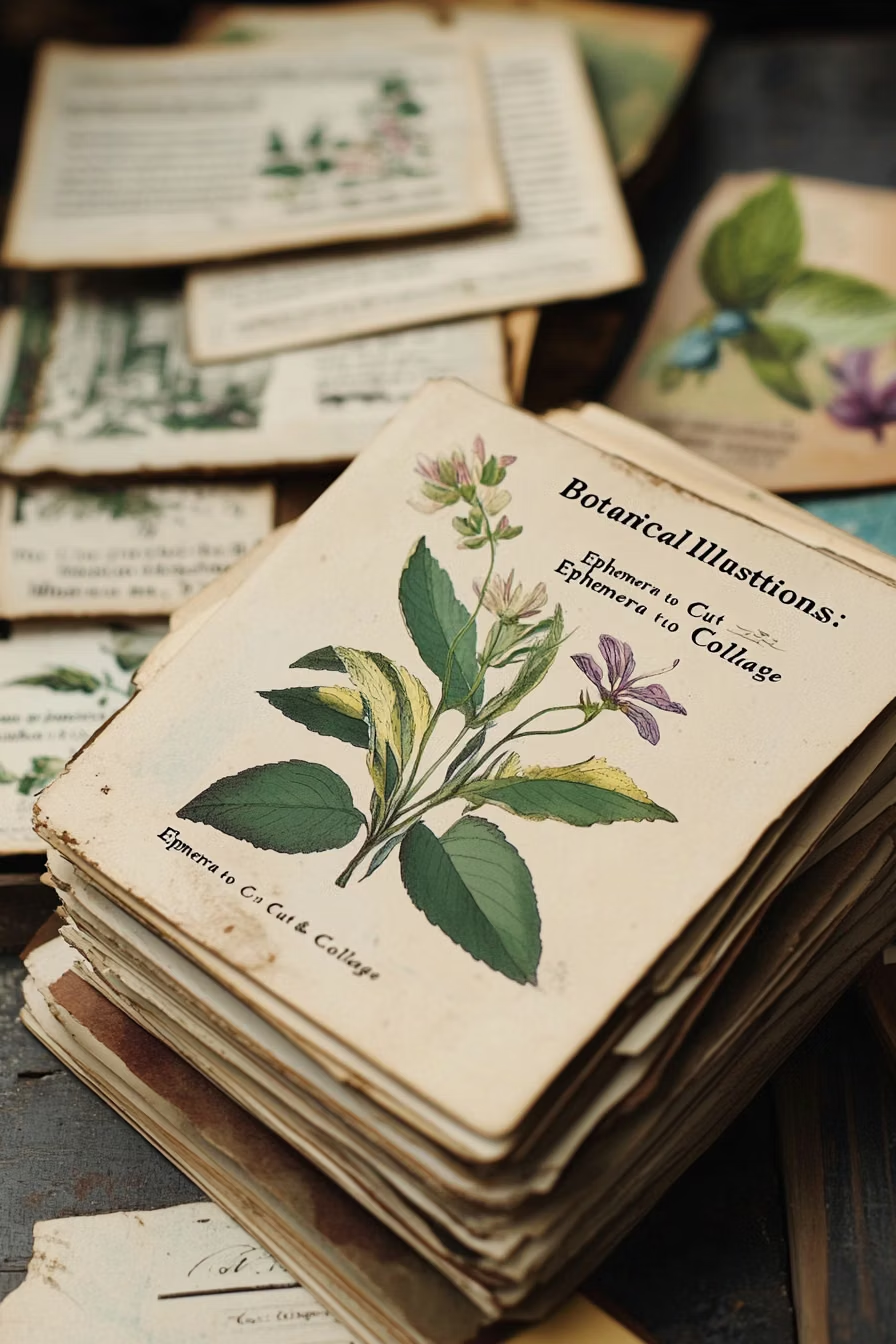
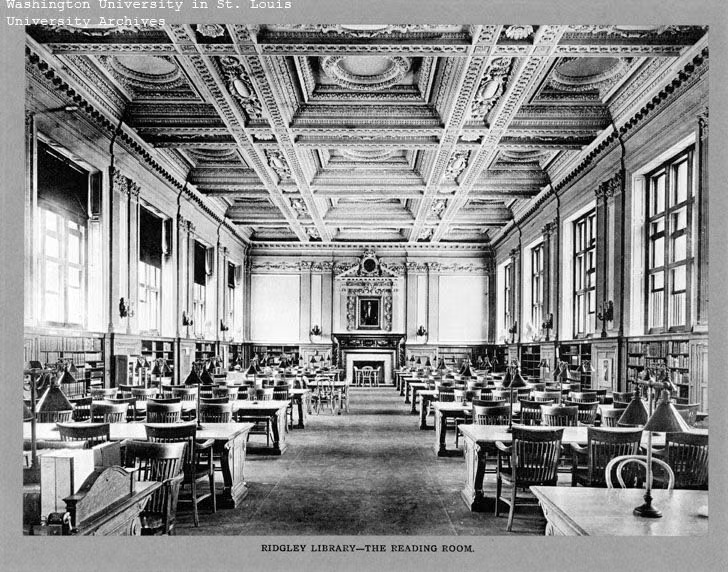
Dark Academia UI design style
Moody scholarly visuals use serif typography, parchment, dark wood, muted earth tones, and archival details.
![dot matrix equipment label close up photograph - Source and datasheets linked below I found these QDSP-2273 displays and was interested in trying to drive them. A lot of info about them here: http://www.industrialalchemy.org/articleview.php?item=750 [http://www.industrialalchemy.org/articleview.php?item=750] I found a snippet of example code at: http://huinink.info/hdsp2003/ [http://huinink.info/hdsp2003/] and decided to write a full driver library for it. The driver will show static text, scrolling text, and 'hacker' text like this: https://](../../moodboards/cassette-futurism/28-inspiration-dot-matrix-equipment-label.avif)
Cassette Futurism UI design style
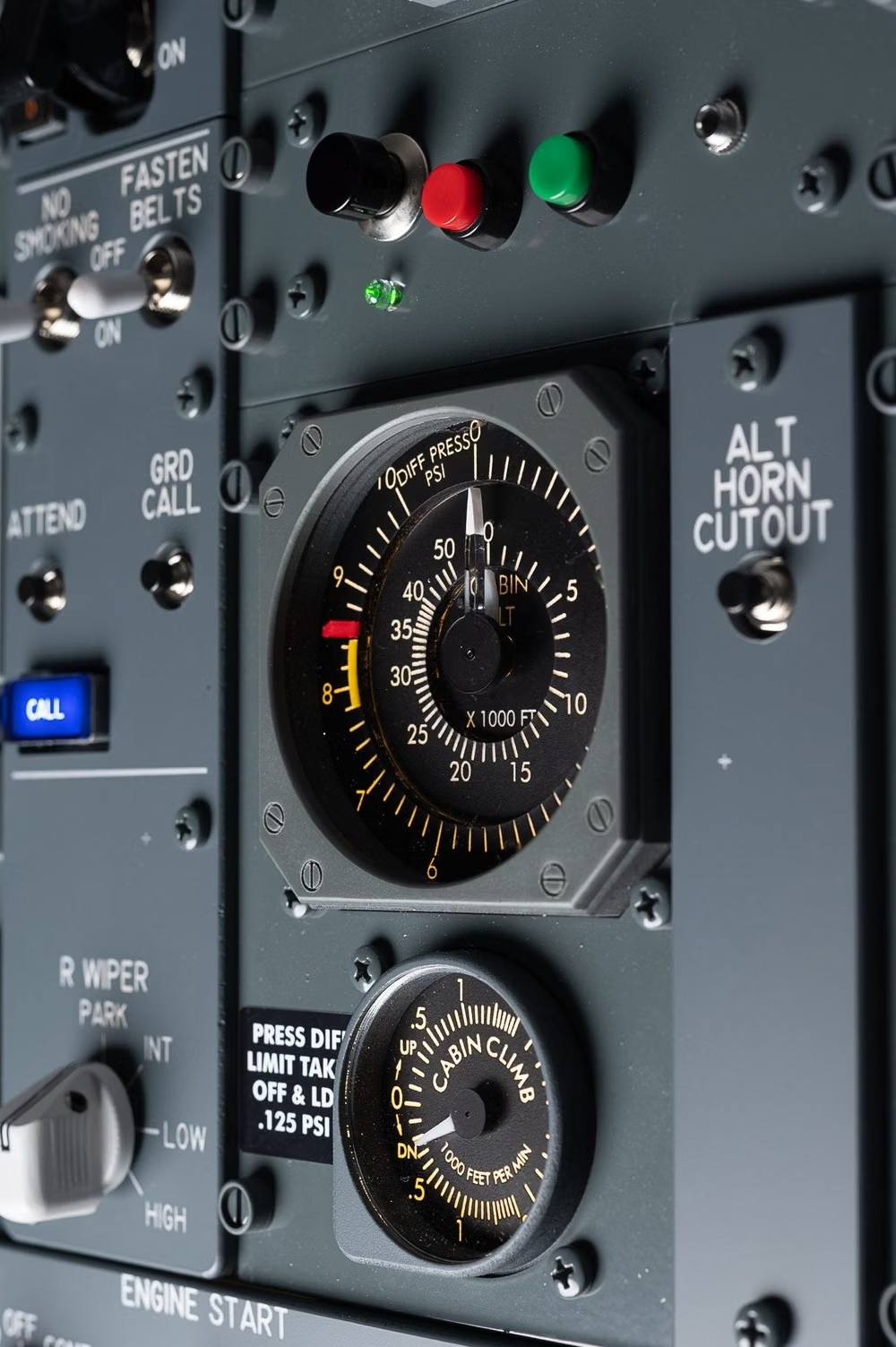
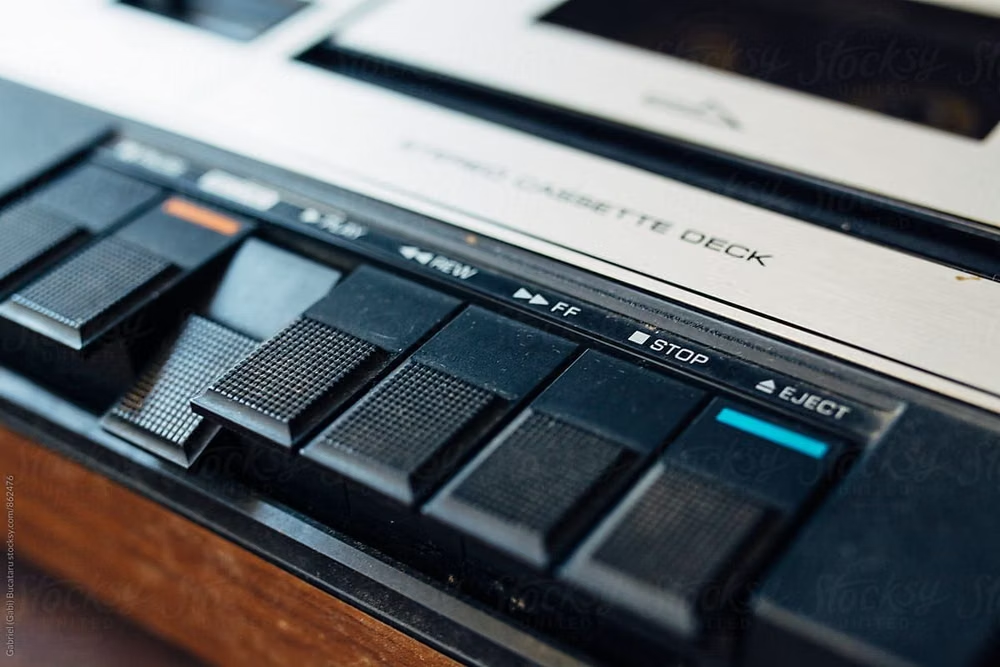
Chunky analog controls, CRT displays, industrial panels, physical switches, amber or green screens, and late-20th-century science-fiction technology.
Hand-Drawn UI design style
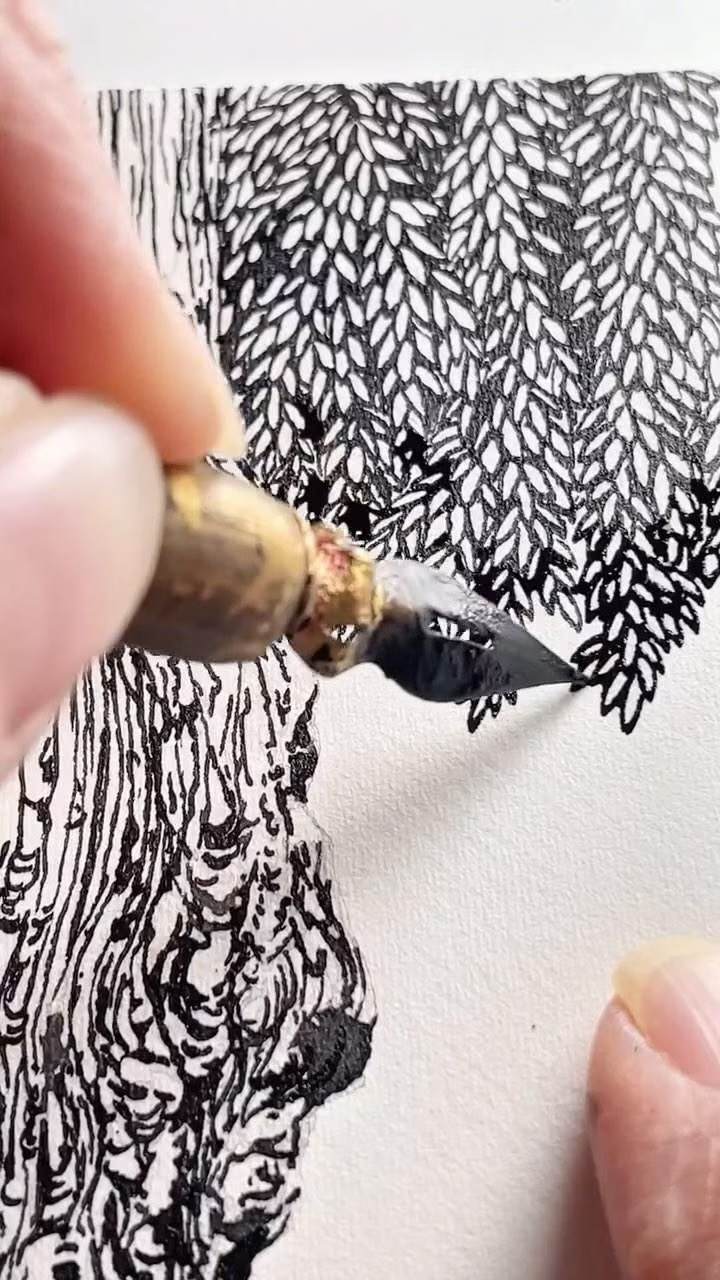
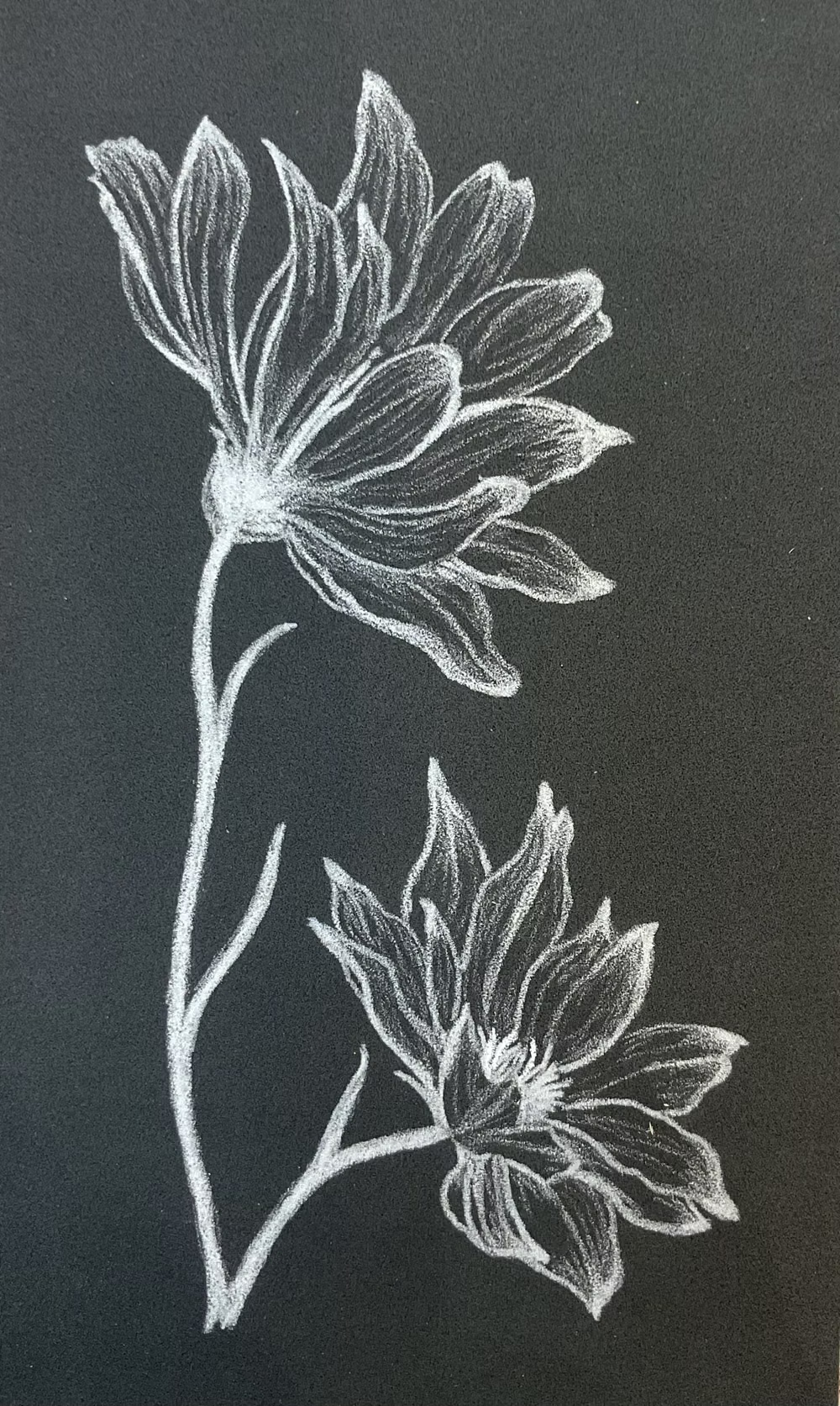
Imperfect lines, sketchy icons, paper textures, handwritten type, and playful annotations emphasize human craft.